
Menu screens you run from WhatsApp
Change a price, add a dish or mark something sold out by sending a message. BeeScreen designs your menus and posters with AI and puts them on your screens in seconds.
- No app to learn
- Works with the TVs you have
- You approve every change
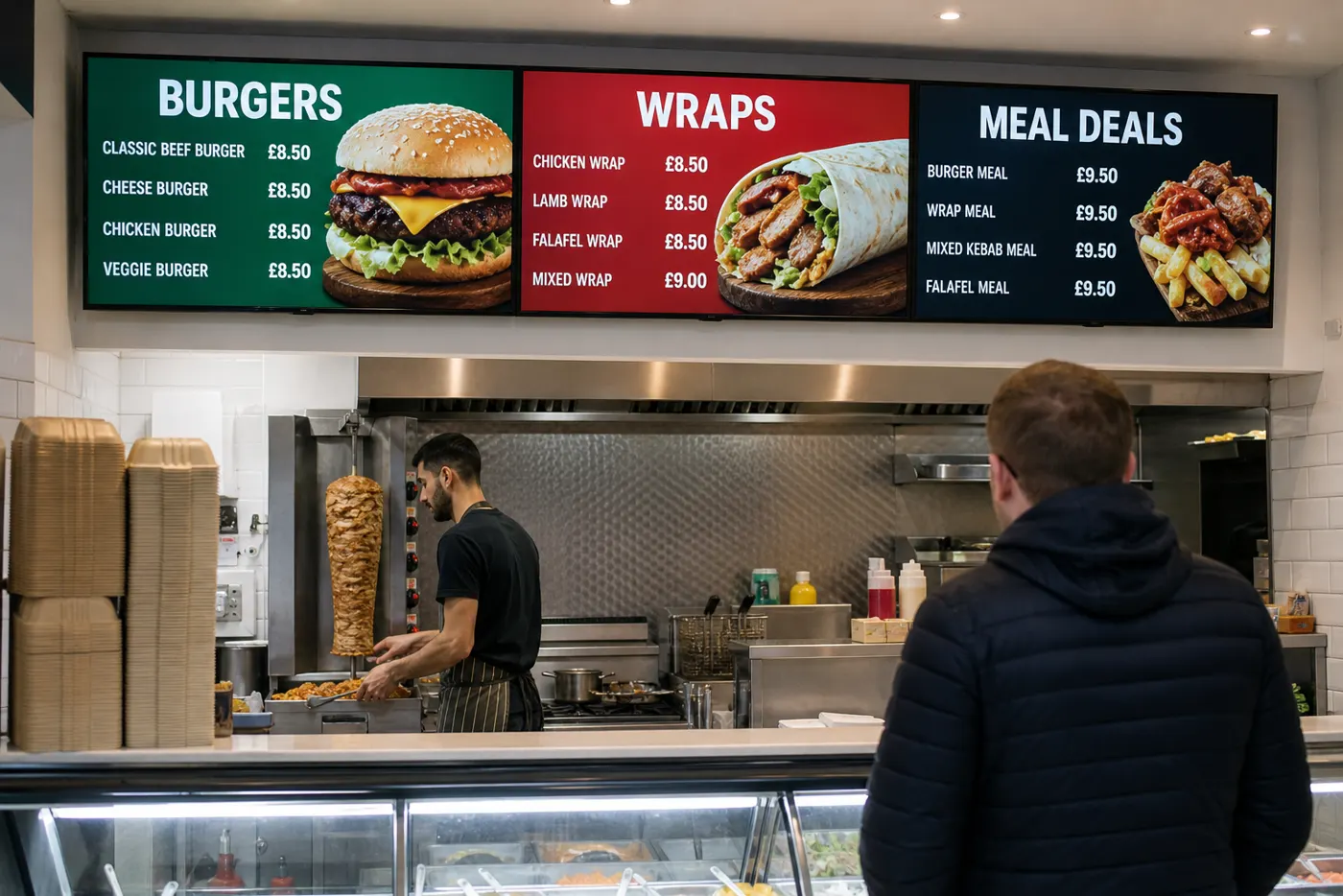
Live in three steps
No training day and no manual. The first menu is usually on screen during the first conversation.
 1
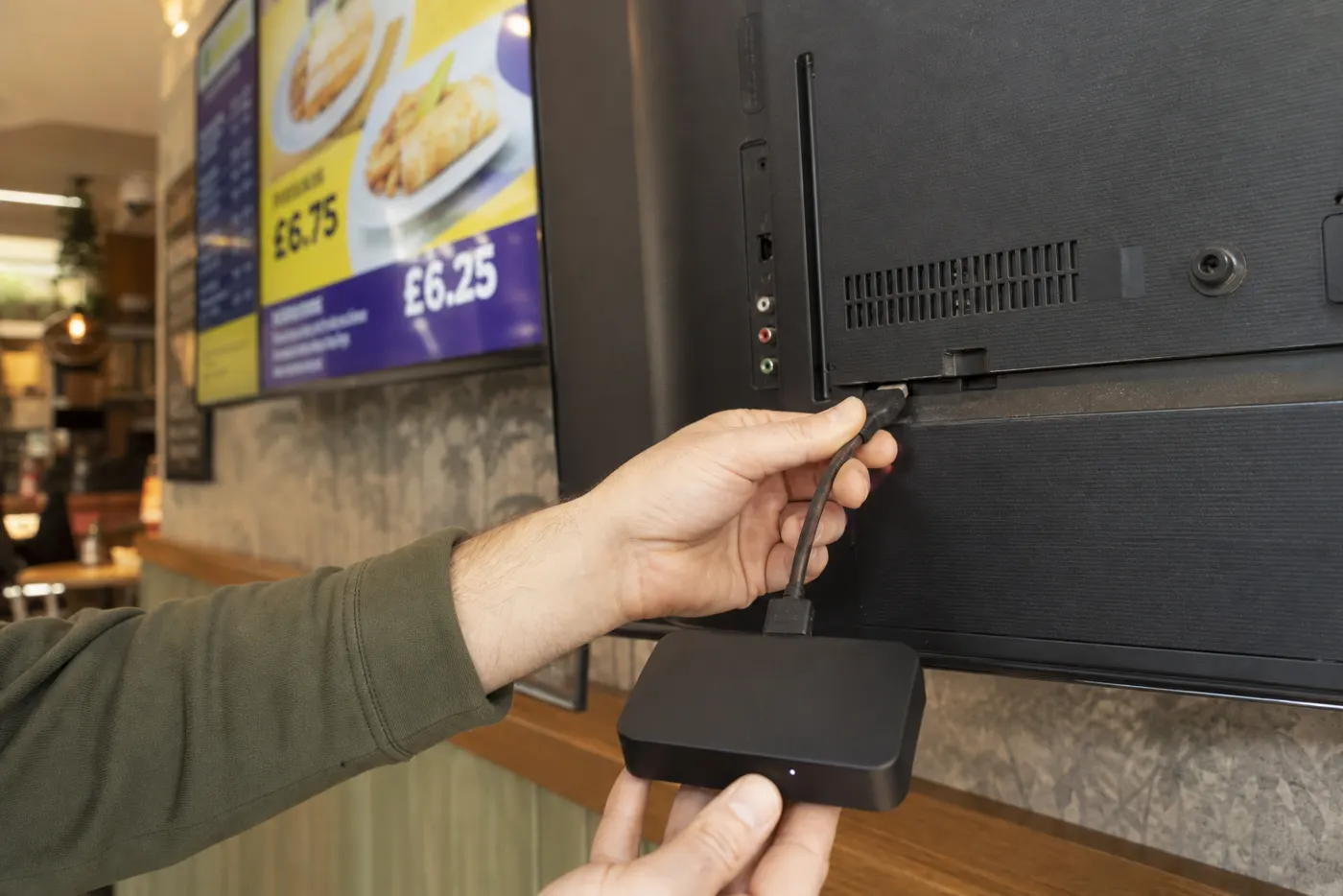
Plug in the player
A small BeeScreen player connects to the HDMI port of your TV and to your Wi-Fi.
 2
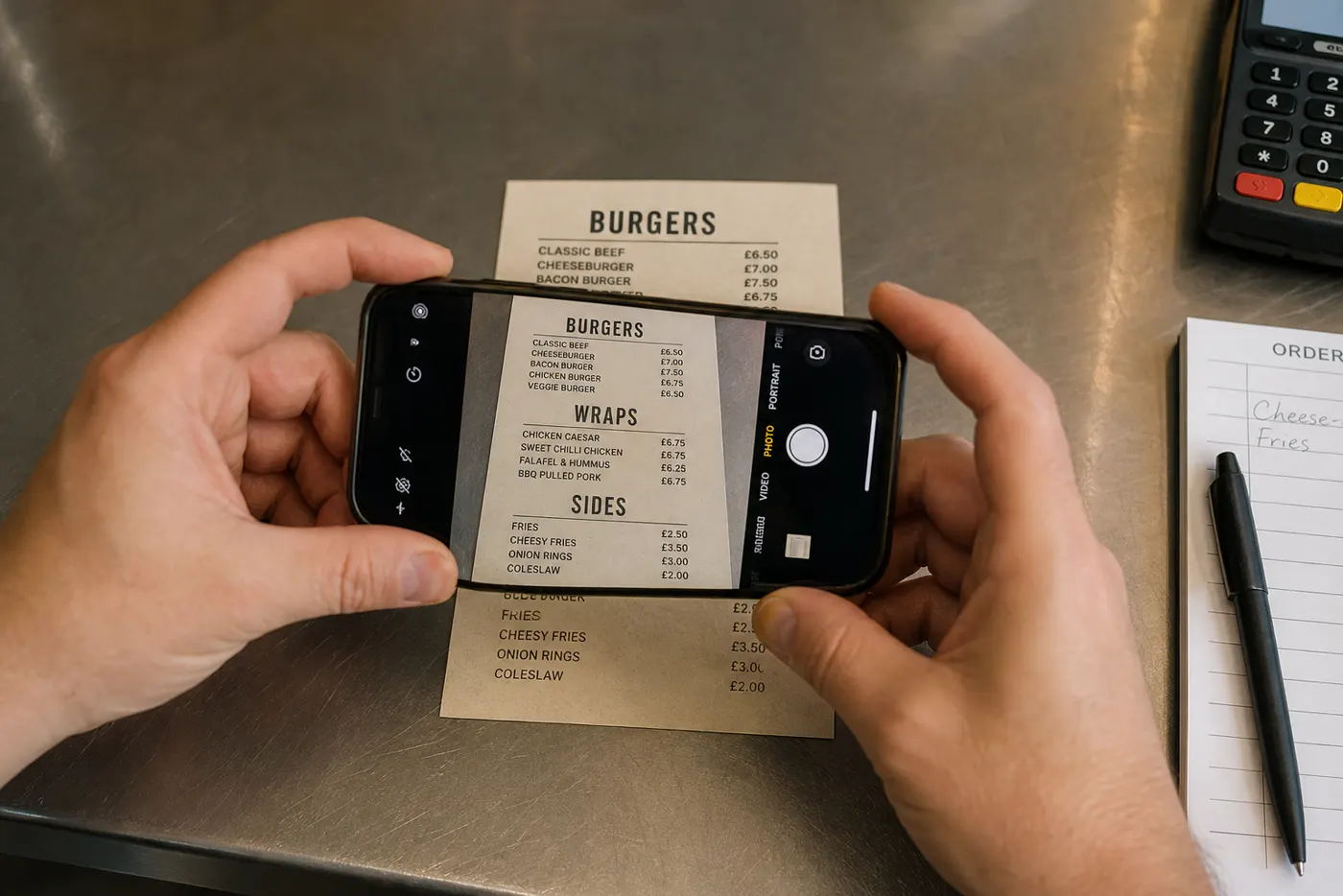
Send your menu
Photograph your printed menu and send it on WhatsApp. BeeScreen designs it for the screen.
 3
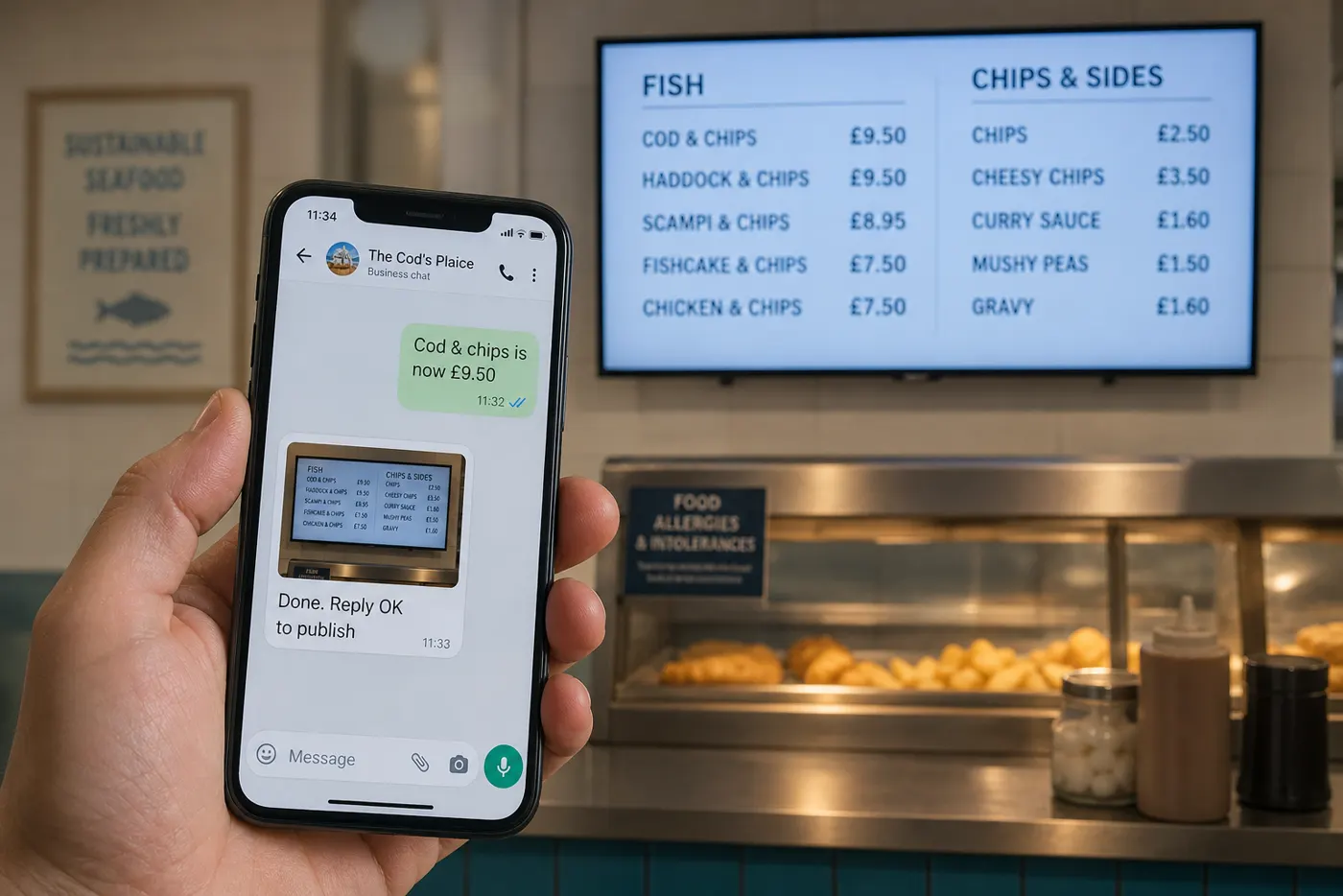
Message your changes
New price, new dish, sold out, new offer. Send a message or a voice note and approve the preview.
Everything your screens need, without the dashboard homework
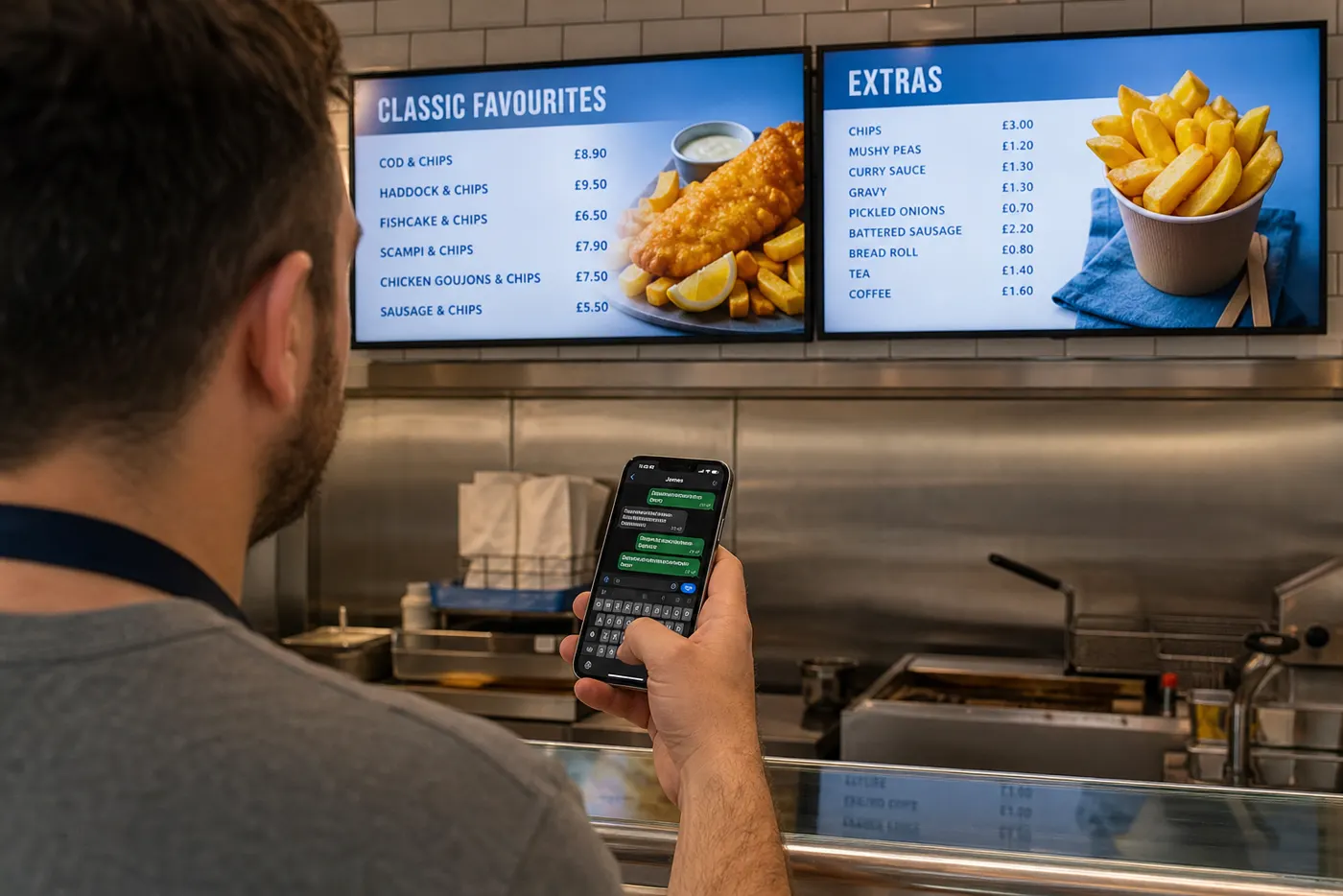
WhatsApp updates
Change a price, add a dish or mark something sold out by sending a message.
Learn more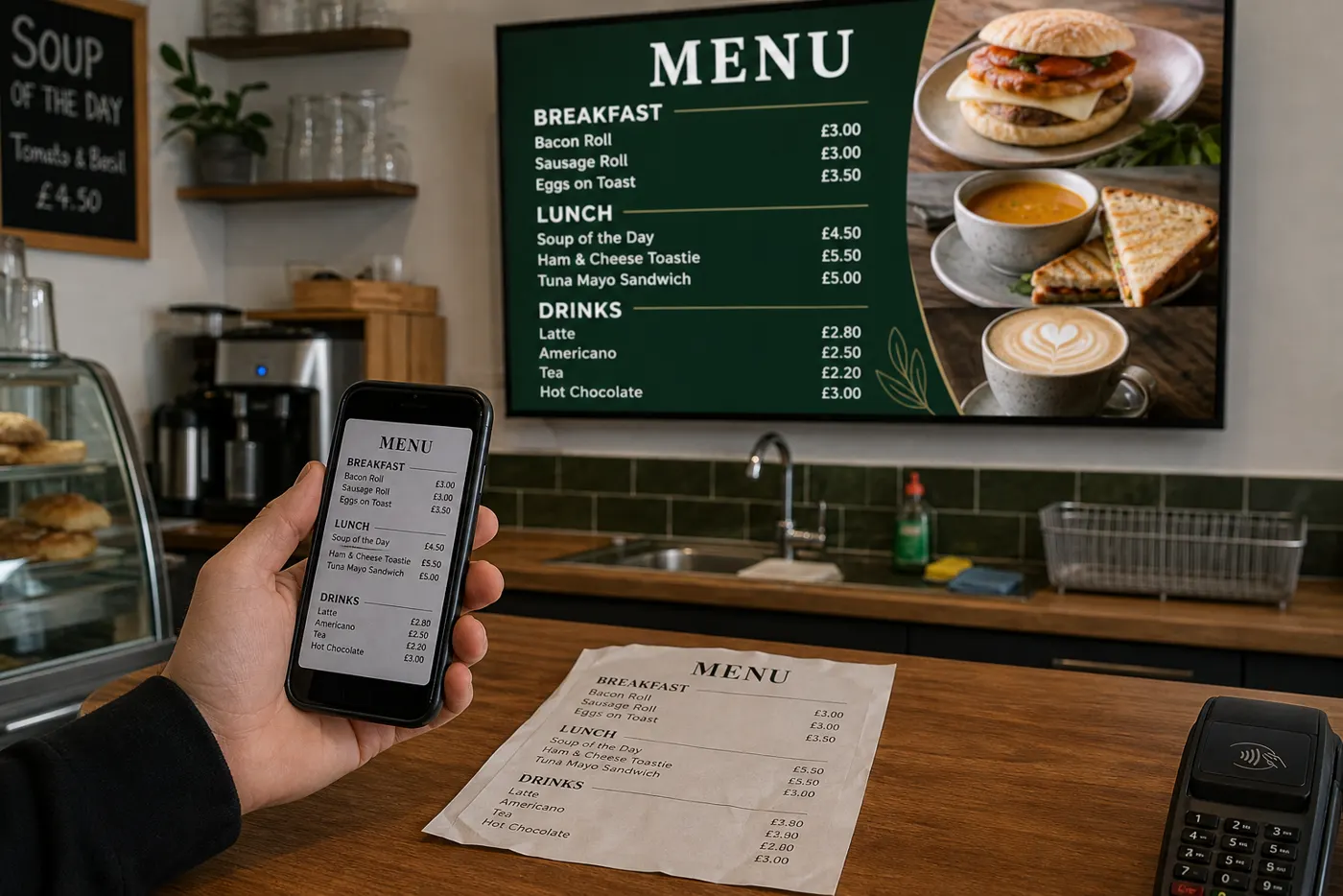
AI menu and poster design
Send a photo of your paper menu or describe an offer. Get a screen-ready design back.
Learn more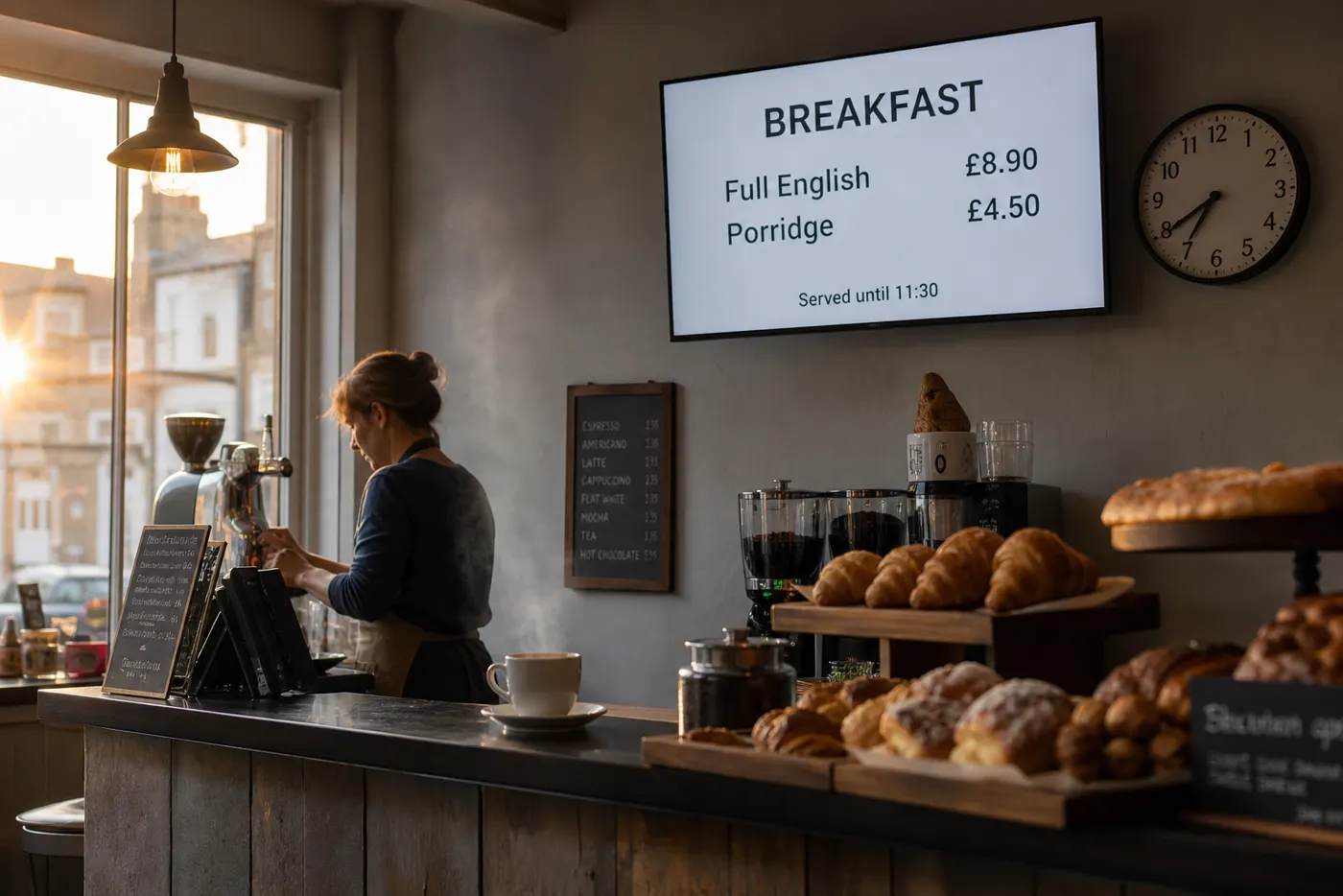
Scheduled menus
Breakfast, lunch and evening menus that change over on their own.
Learn more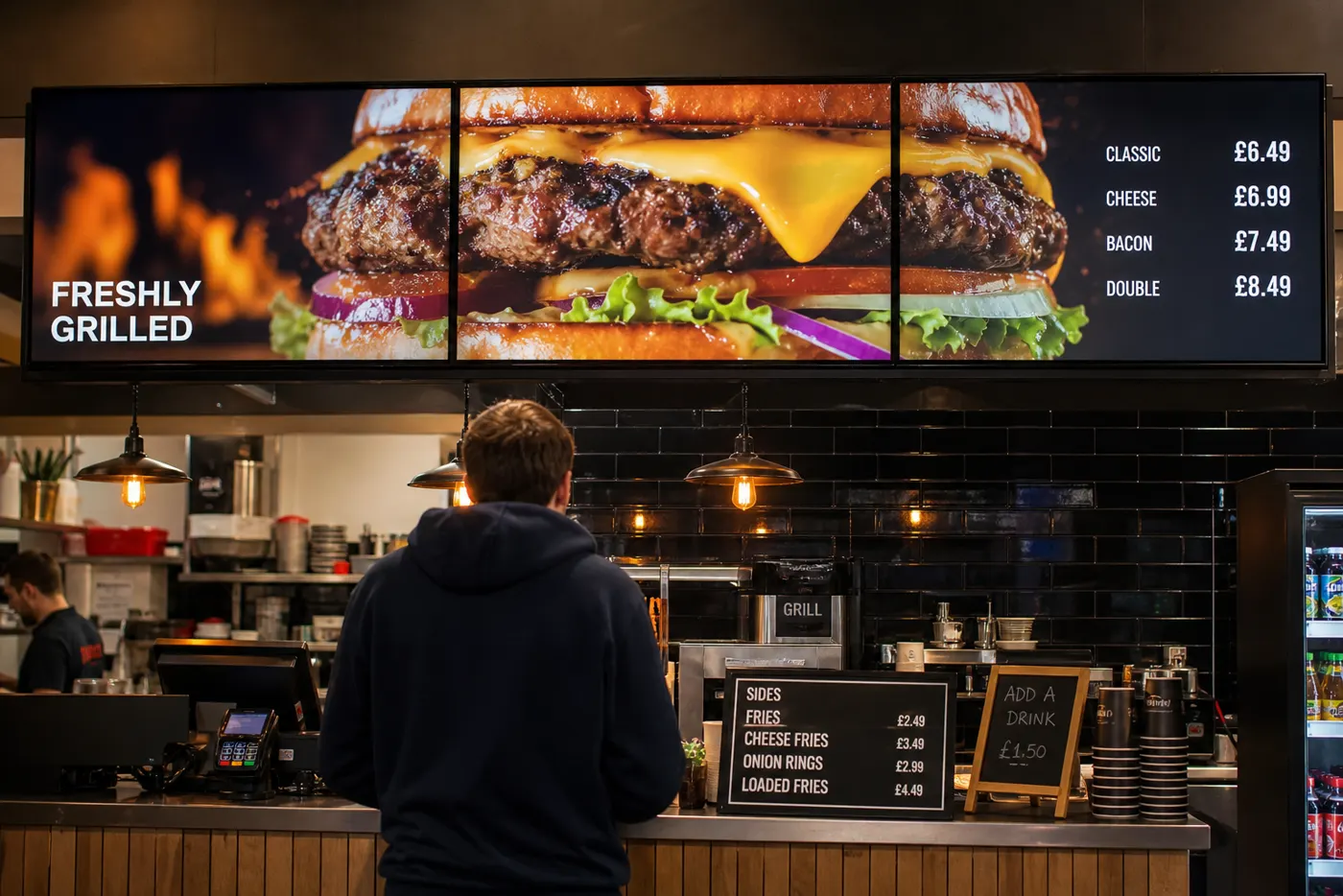
Video and video walls
Play videos and photo galleries, or join several TVs into one large picture.
Learn more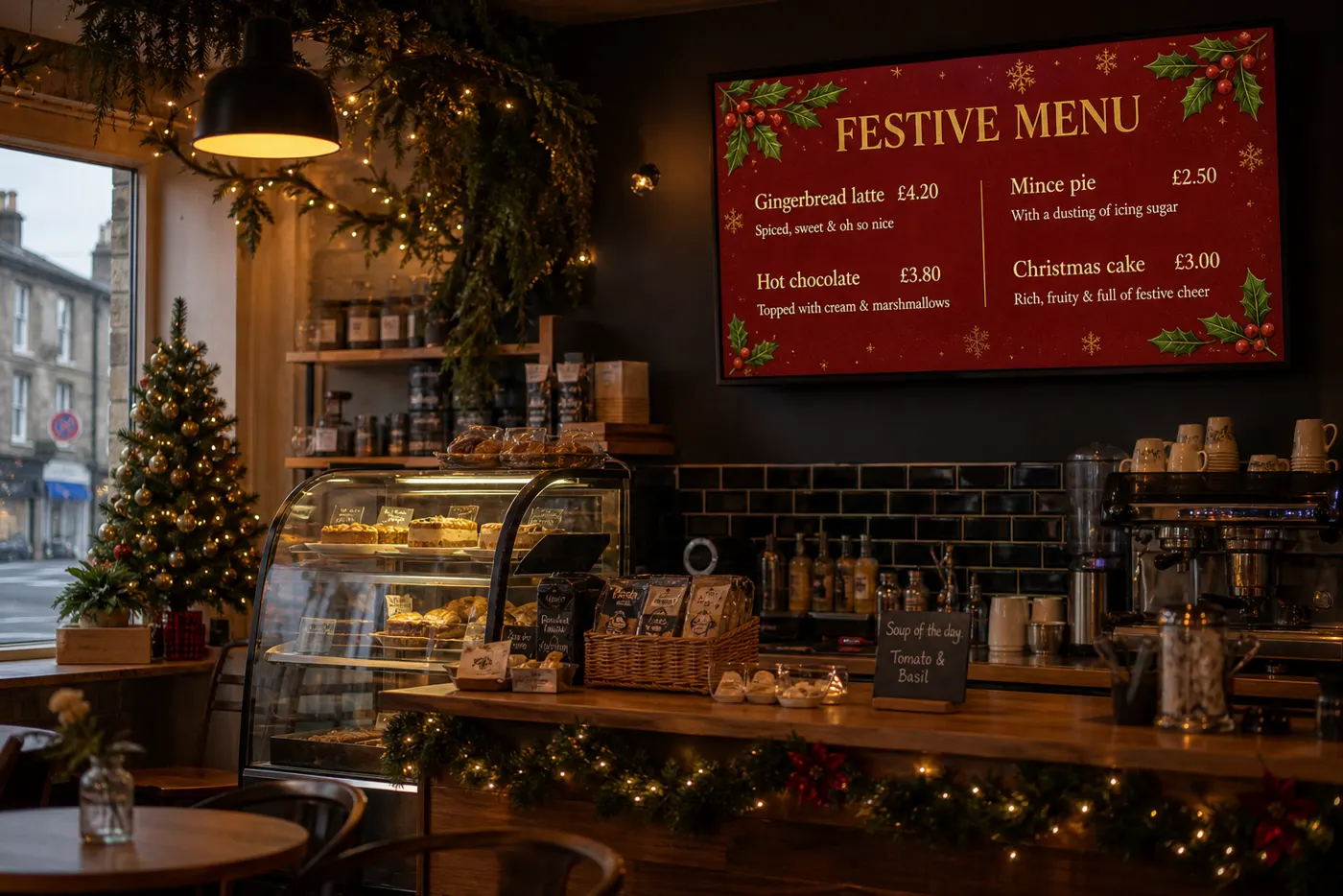
Seasonal themes
Dress your menus for Christmas, Ramadan or Mother's Day and return to normal automatically.
Learn more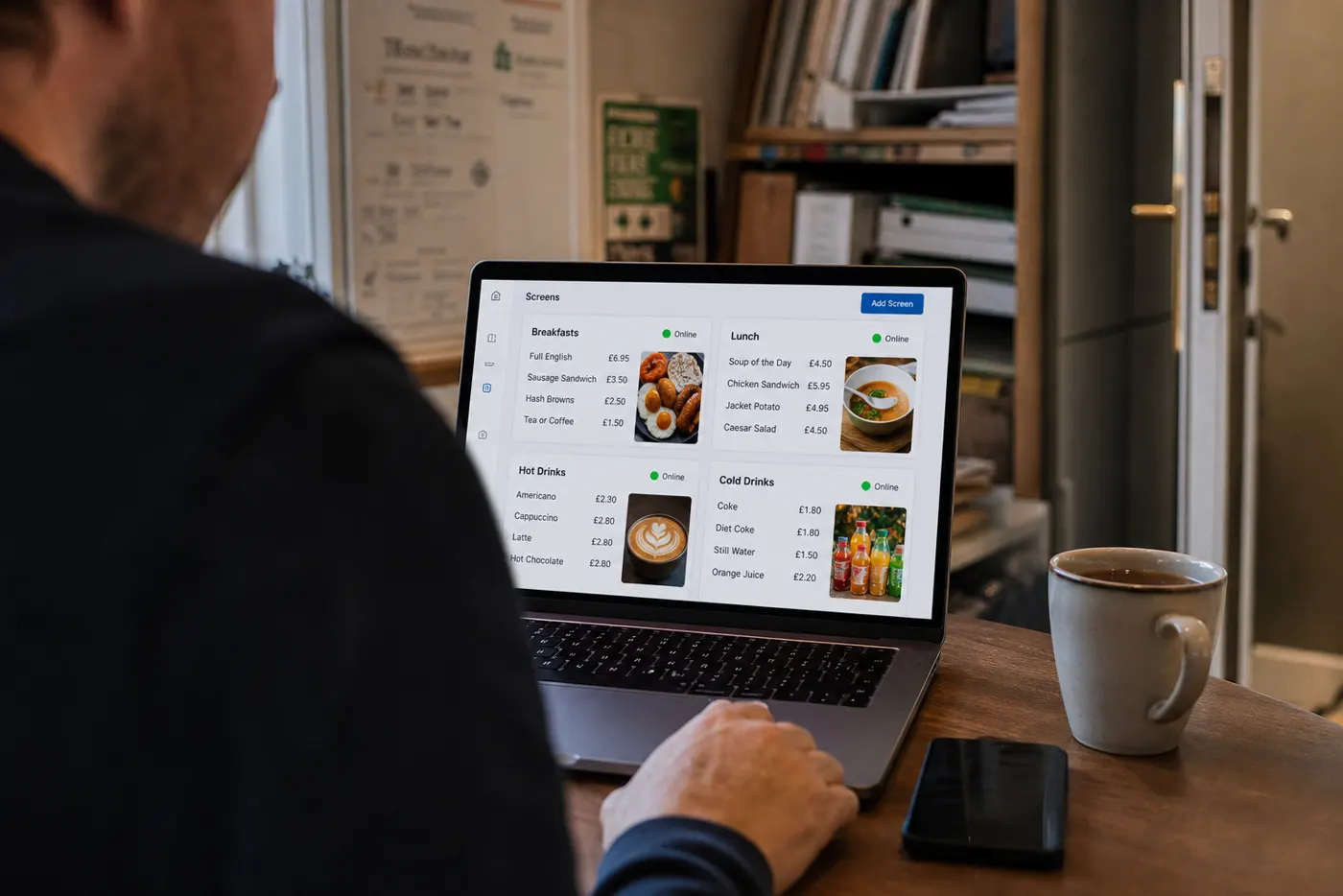
Remote management
See every screen in every branch, check it is healthy and fix problems from your phone.
Learn more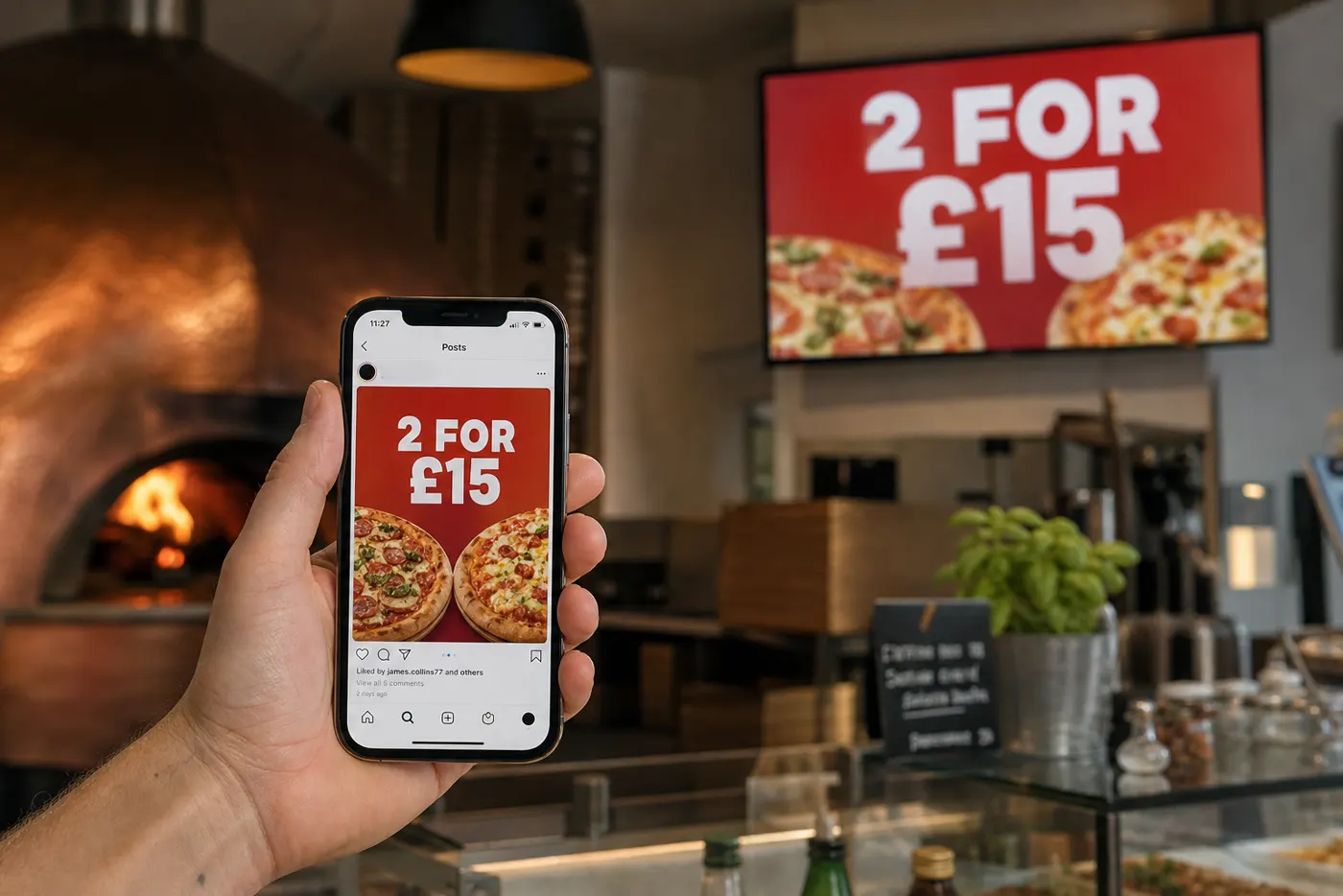
Social mediaComing soon
Post what is on your screens to Instagram and Facebook from the same place.
Learn moreLooks designed. Reads correctly.
AI is good at pictures and poor at numbers. So BeeScreen lets AI draw the artwork, while every name and price is set in type by our software from your list.
- Prices appear exactly as you sent them
- Several designs to choose from, not one take-it-or-leave-it result
- Your own photos kept as they are when you ask
- Seasonal looks that switch off on the date you choose
Built for the shop on the high street
BeeScreen started with small businesses that have no marketing team and no time. It scales up to several branches when you do.
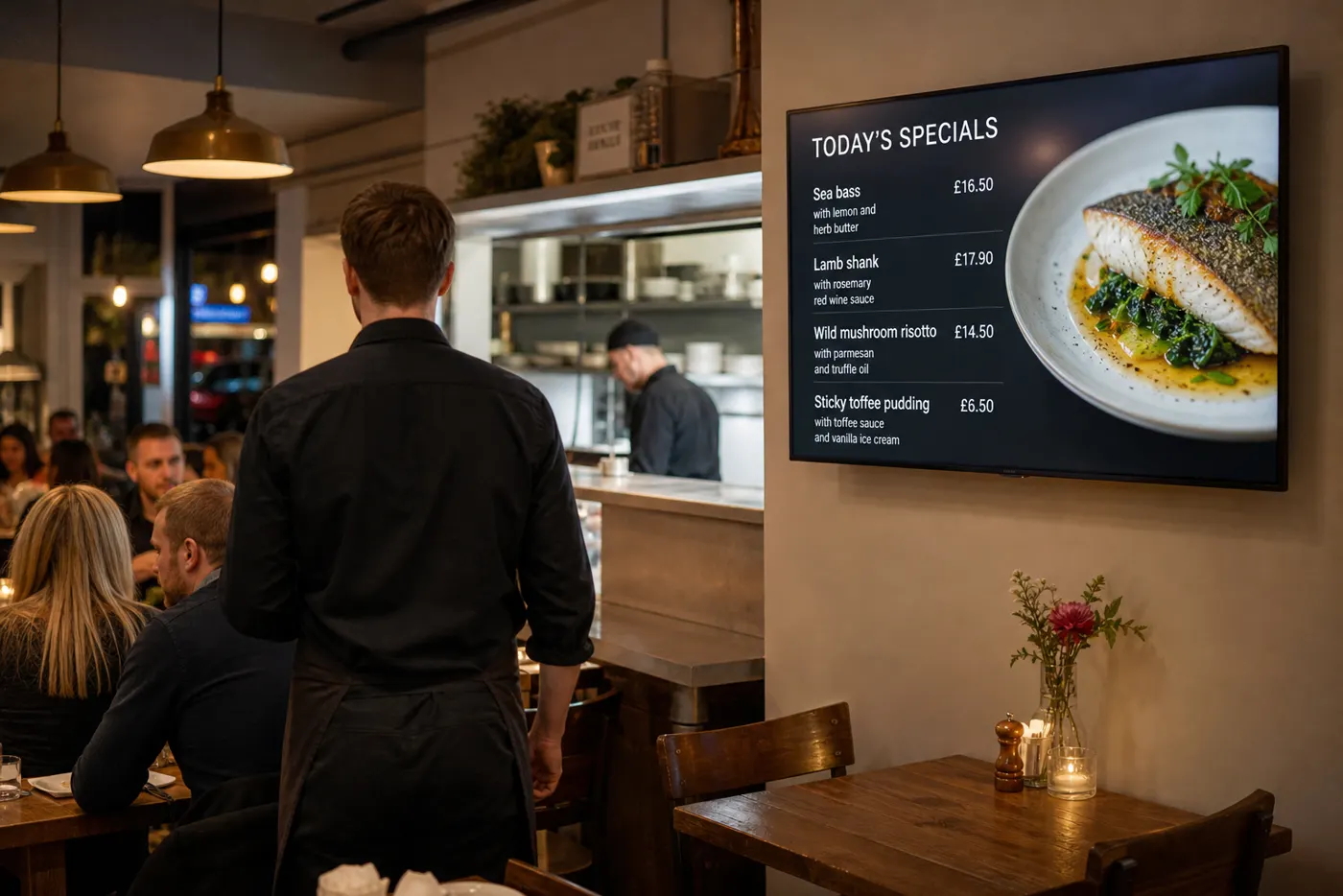
Restaurants
Menus, specials and set menus that keep up with the kitchen.
See howTakeaways
Clear menu boards above the counter and price changes in seconds.
See how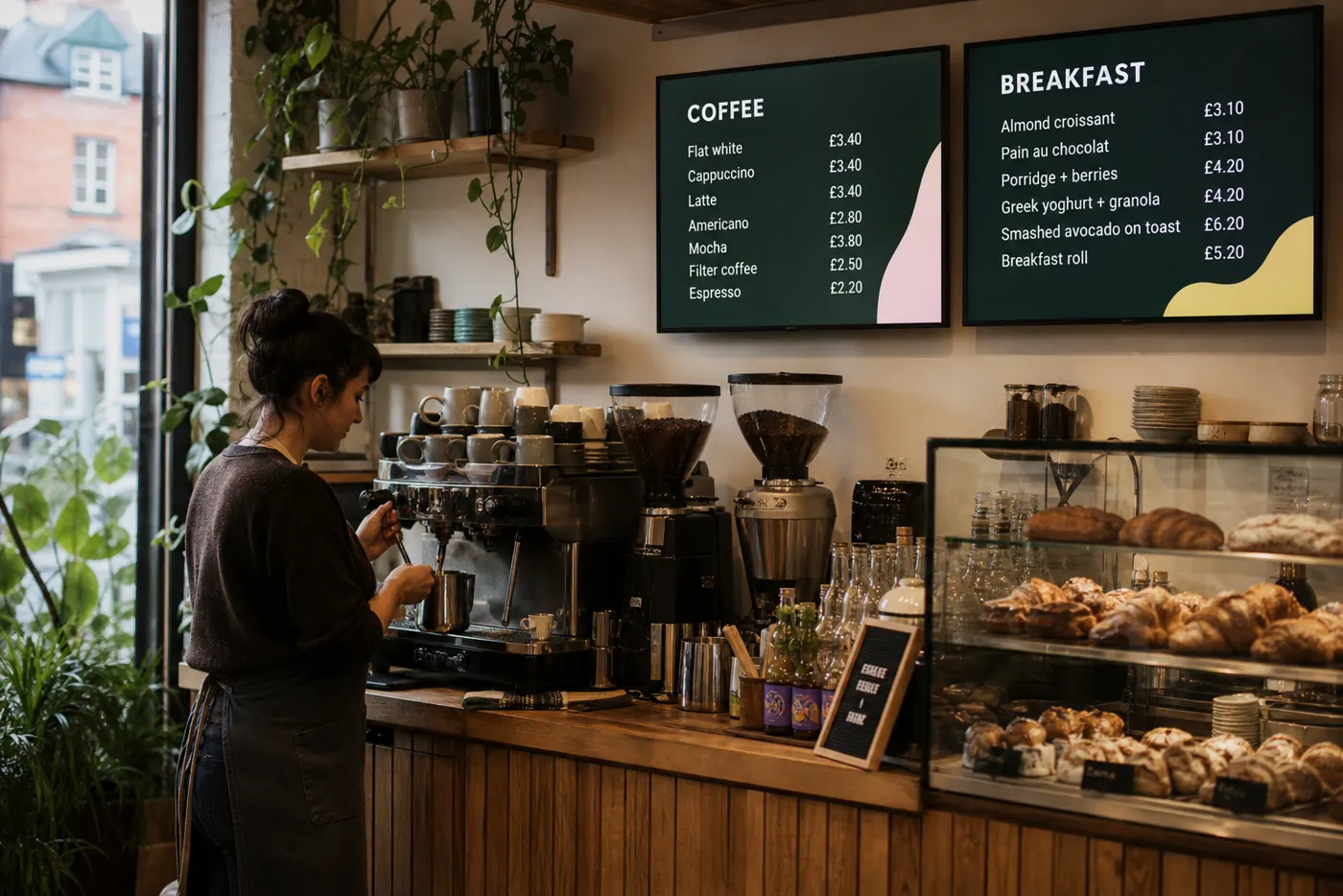
Cafés and coffee shops
Seasonal drinks, bakes of the day and a breakfast menu that knows the time.
See how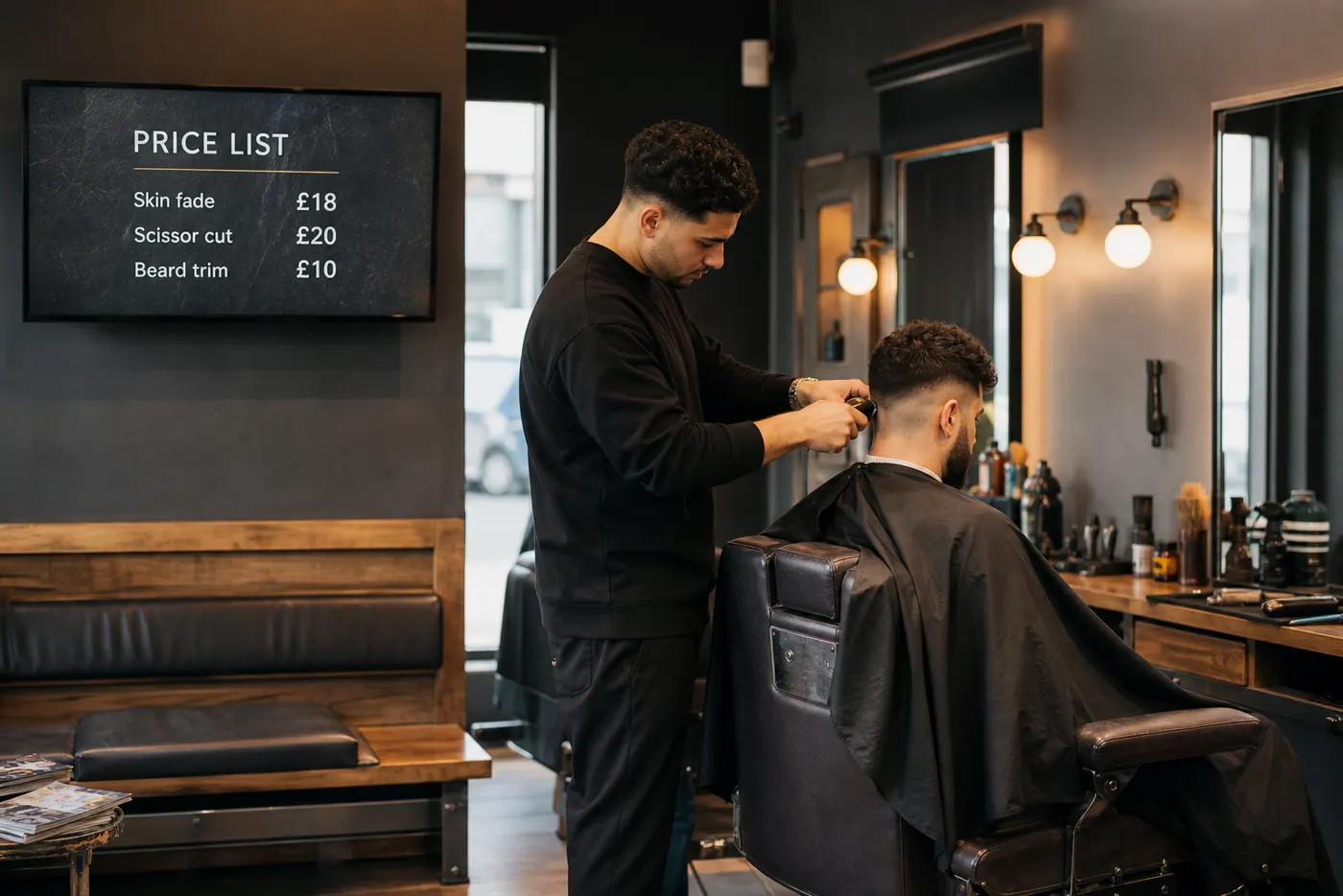
Barbers and salons
Price lists, offers and your best work on the waiting-area screen.
See how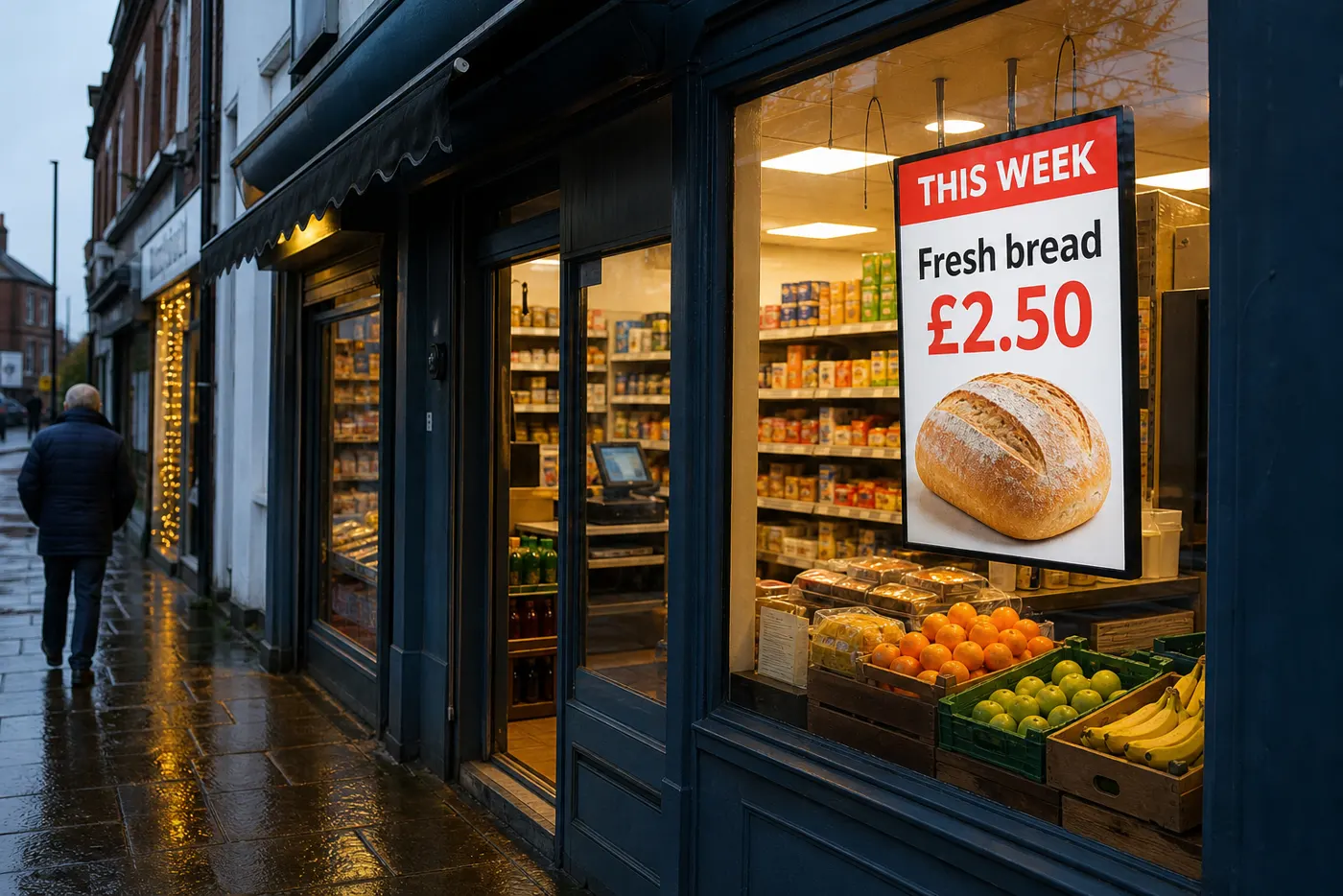
Shops and retail
Offers, new arrivals and opening hours in the window and at the till.
See howScreens today. Social pages next.
The poster you made for the TV is the post you need for Instagram. BeeScreen is bringing your screens, your social pages and your customer replies into one panel and one WhatsApp chat.
Common questions
What do I need to get started?
A TV with an HDMI port, an internet connection and a phone with WhatsApp. BeeScreen runs on a small player that plugs into the TV.
Do I have to be good with computers?
No. If you can send a WhatsApp message you can run your screens. There is a web panel too, but you never have to open it.
Can I use the TVs I already have?
In most cases, yes. Any TV with an HDMI port can become a BeeScreen screen.
Is it only for food businesses?
No. Restaurants, takeaways and cafés are the most common, but barbers, salons and shops use it for price lists and offers.
How much does it cost?
It depends on how many screens you have and how you use them. Book a demo and we will give you a clear figure for your business.
See it on your own menu
Book a short demo. Send us a photo of your menu beforehand and we will show you how it looks on a screen.