
Moving pictures, galleries and video walls
A sizzling grill sells more than a line of text. Mix video and photos with your menu, or turn a row of TVs into one big picture.
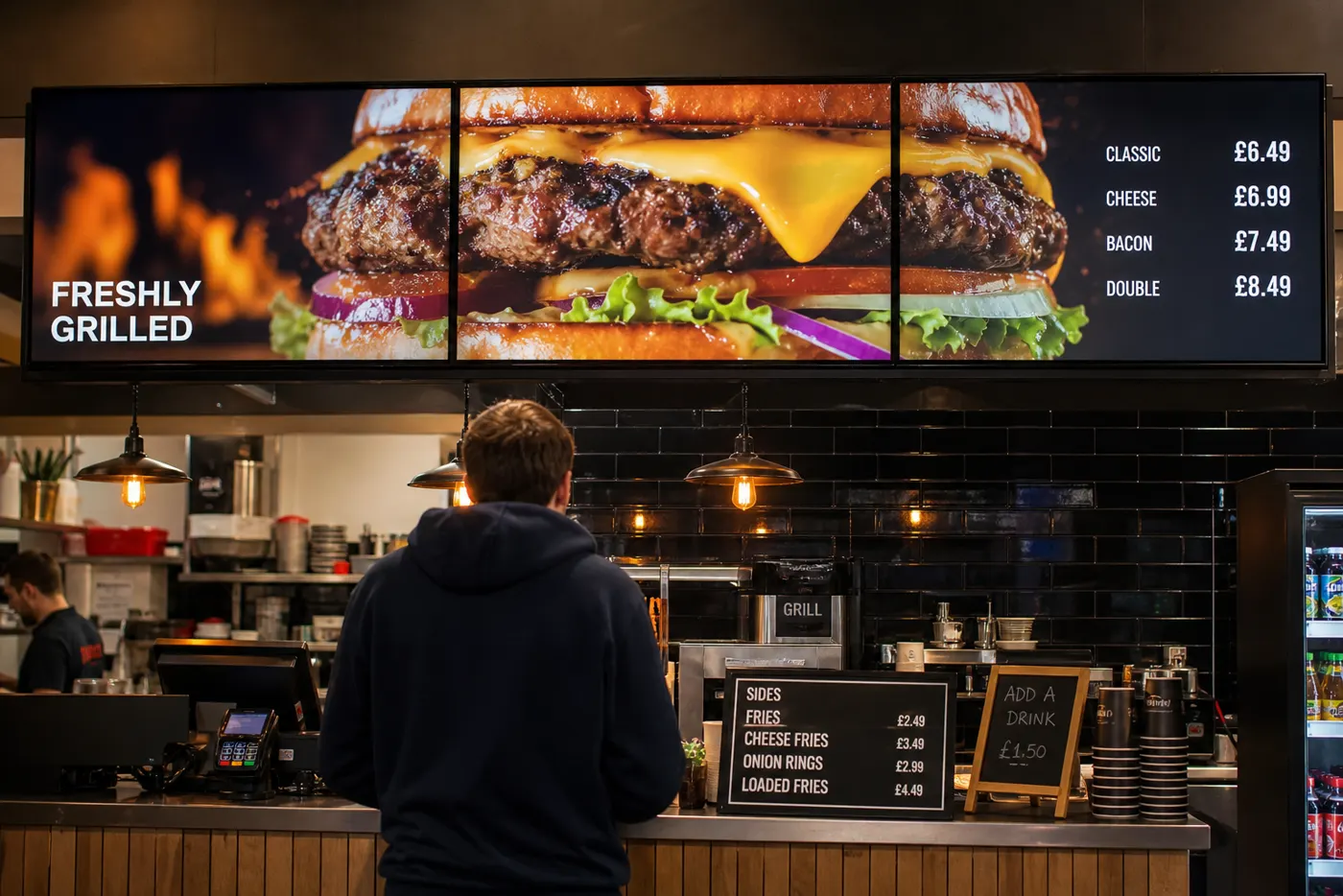
Video alongside your menu
Add videos to any screen. Each one plays through to the end before the next slide, and uploads are converted so they play smoothly on the player.
Zones and galleries
Split a screen into areas: menu on the left, a gallery of dishes on the right, an offer along the bottom. A picture area can rotate through several photos or videos on its own.
Several TVs, one picture
Mount screens side by side and run them as a video wall. BeeScreen stretches one design across all of them and keeps them in step.
Web content when you need it
A screen can also show a web page full-screen, which is how queue and order-ready displays are connected.
Questions people ask
What video formats can I upload?
Upload the video from your phone or computer. BeeScreen converts it to a format the player handles well.
Do I need special hardware for a video wall?
Each TV in the wall has its own BeeScreen player. We will advise on the layout when you book a demo.
Can I mix landscape and portrait screens?
Yes. Each screen has its own orientation and designs are made to fit it.
More that BeeScreen does
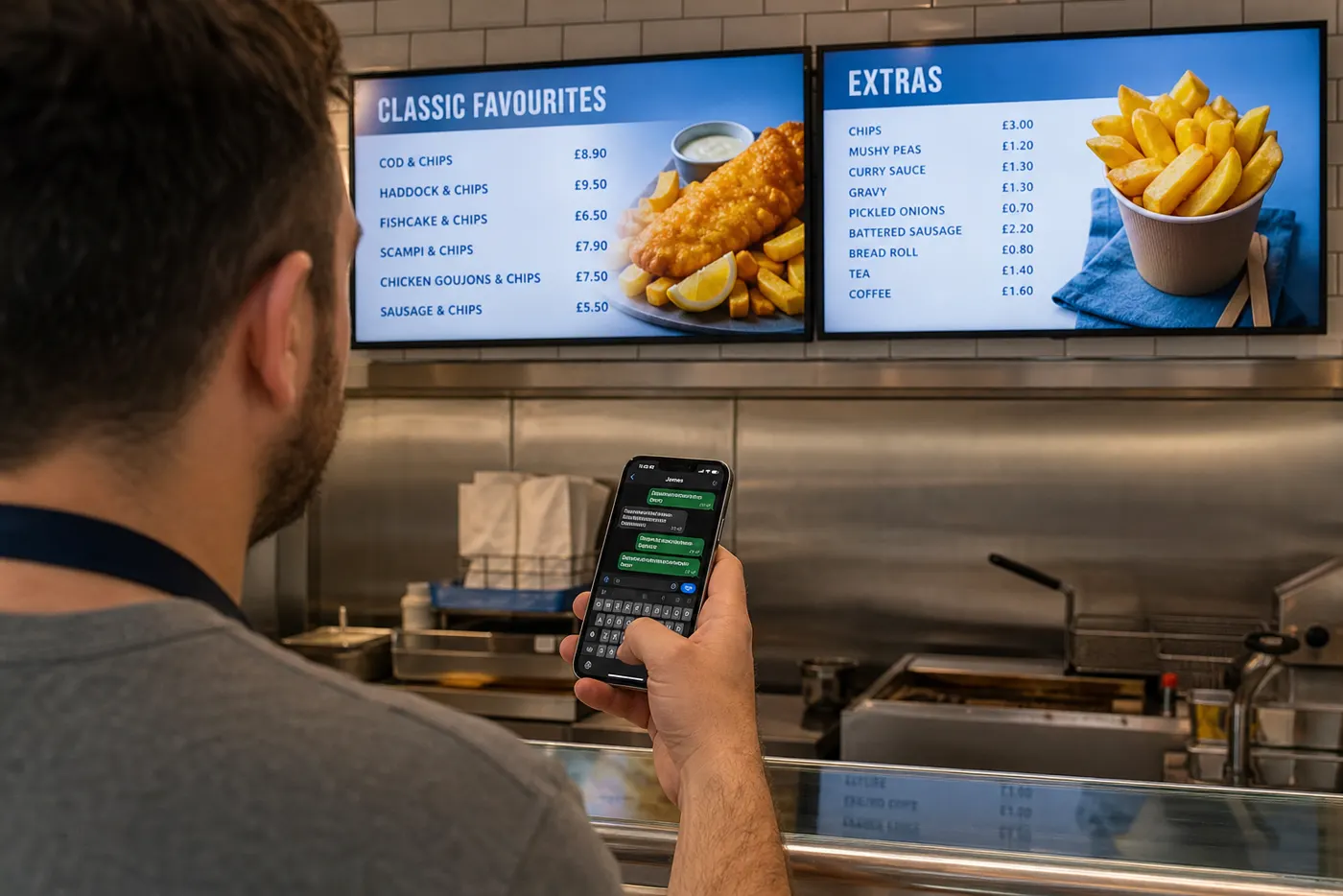
WhatsApp updates
Change a price, add a dish or mark something sold out by sending a message.
Learn more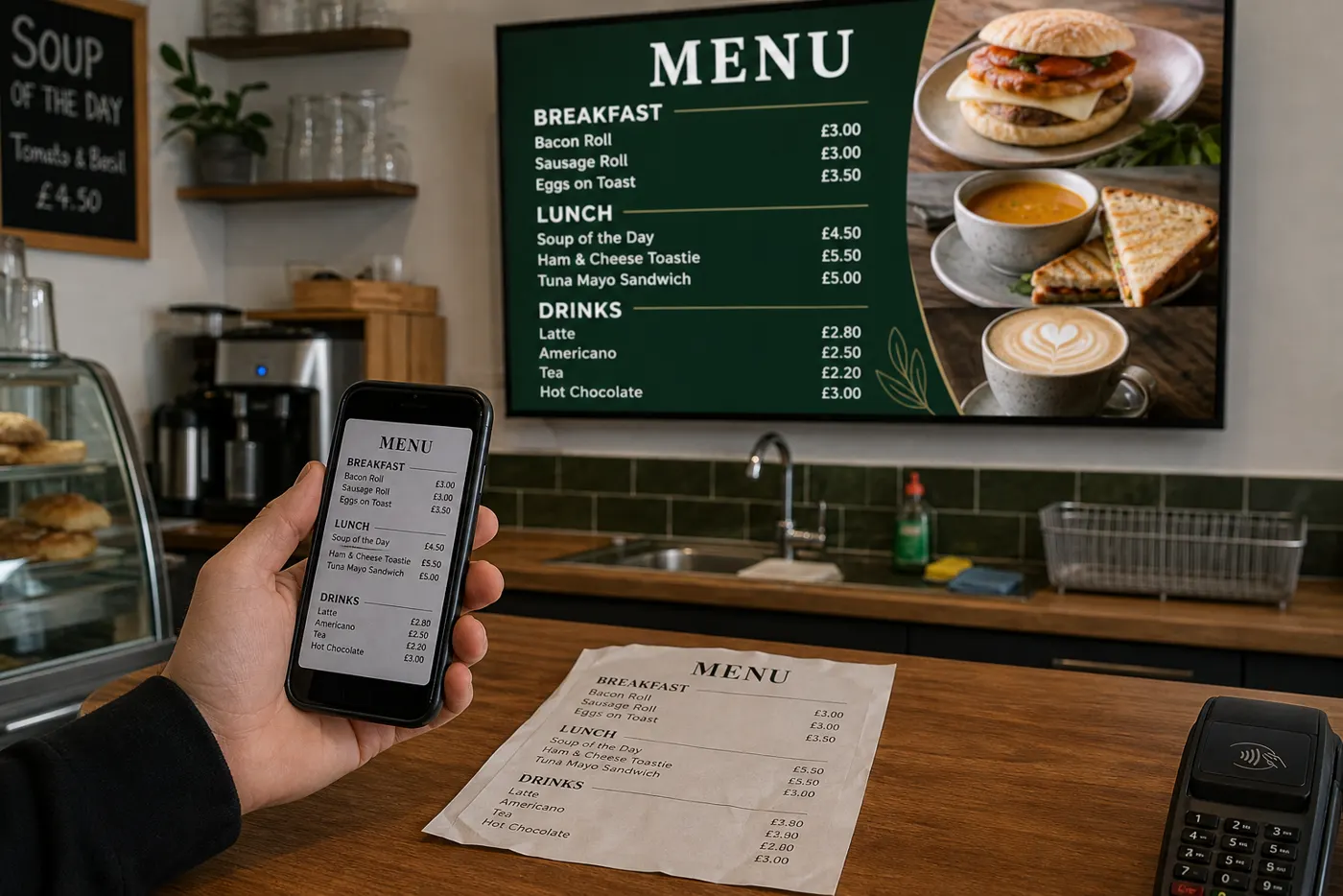
AI menu and poster design
Send a photo of your paper menu or describe an offer. Get a screen-ready design back.
Learn more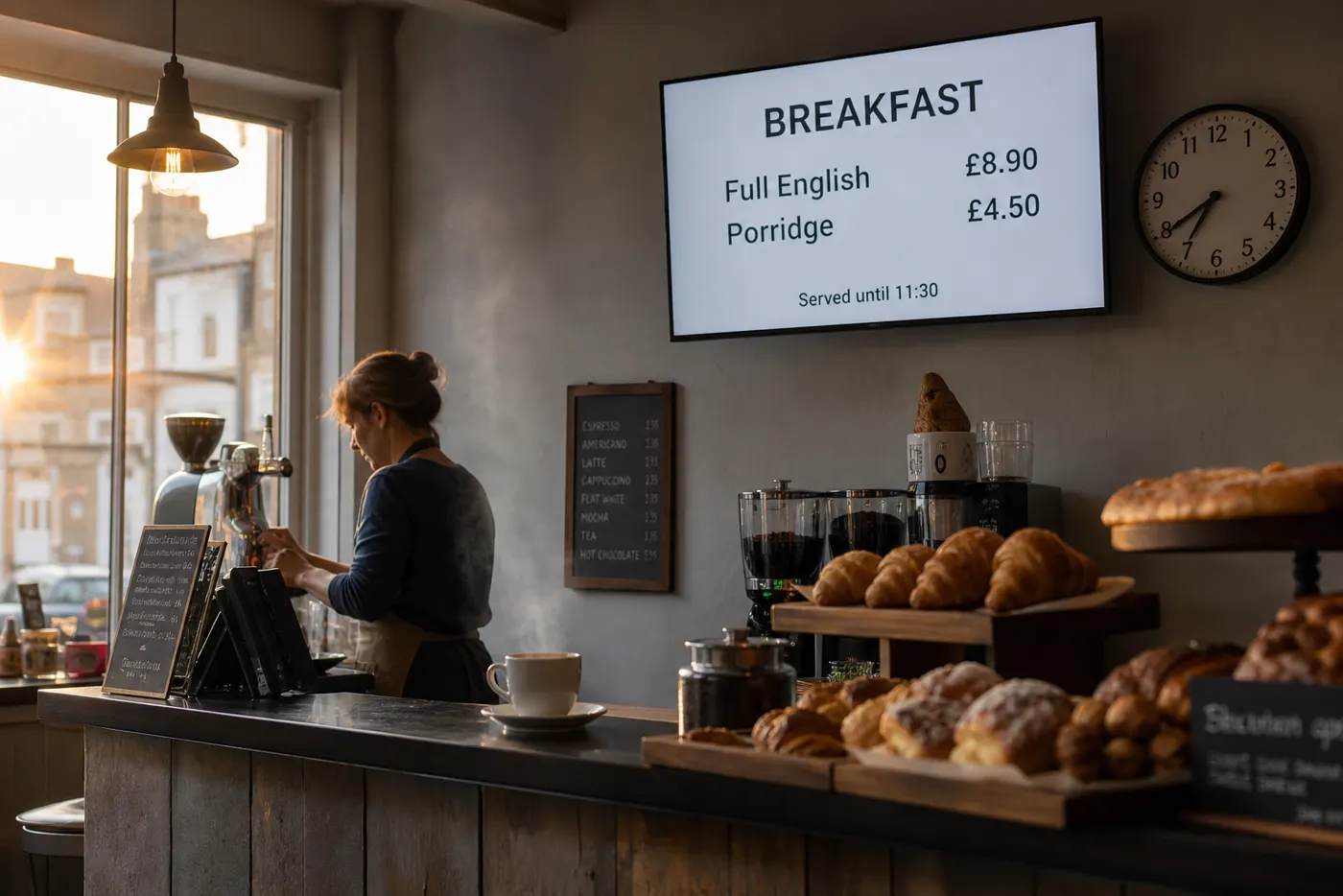
Scheduled menus
Breakfast, lunch and evening menus that change over on their own.
Learn moreSee it on your own menu
Book a short demo. Send us a photo of your menu beforehand and we will show you how it looks on a screen.