
The right menu on screen at the right time
Set it once. Your breakfast menu gives way to lunch, the lunch deal ends at three, and Friday's specials appear on Friday.
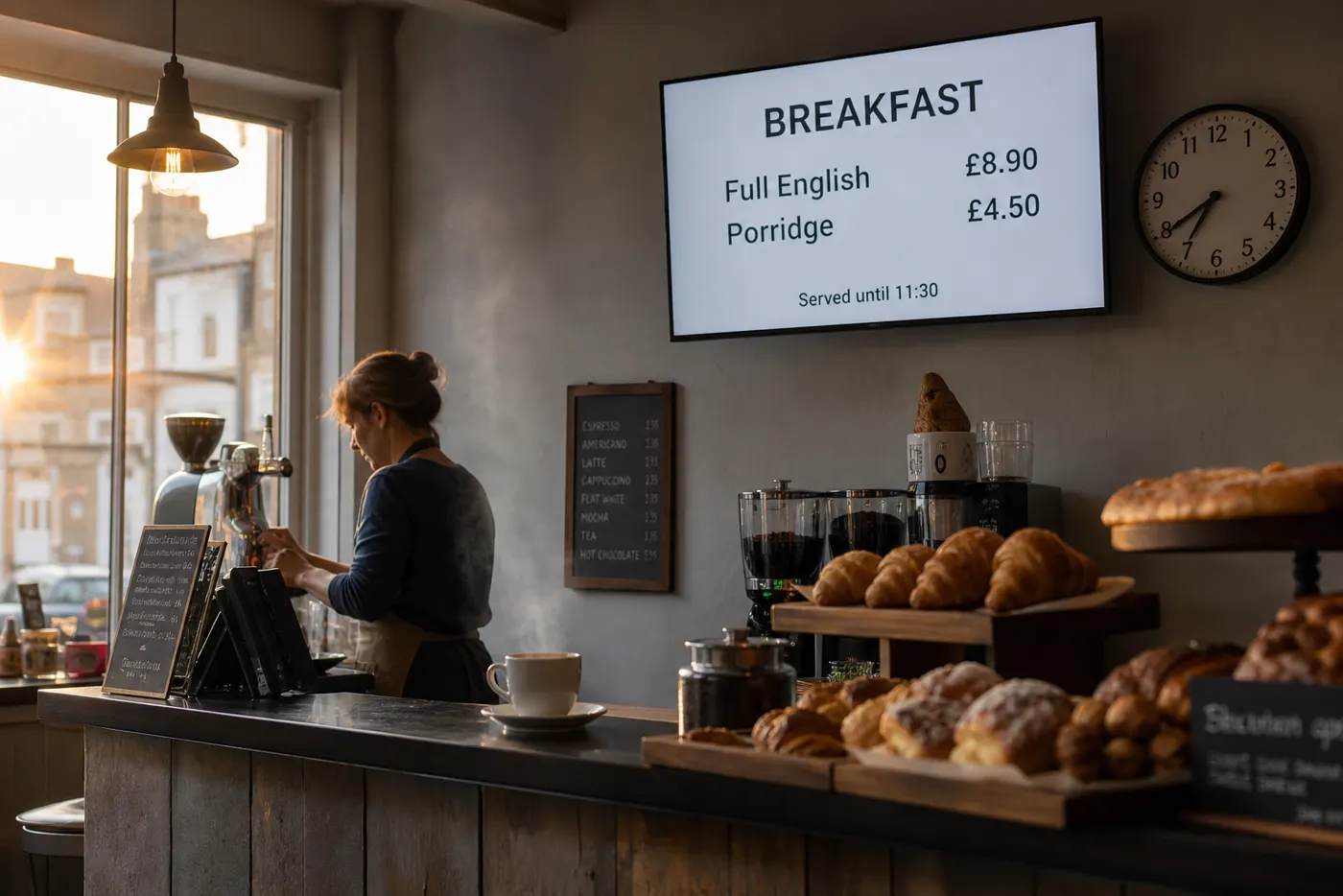
Day-part your menu without touching the remote
Create a playlist for each part of the day and tell BeeScreen when it should play. The screens change over by themselves, even when nobody remembers.
- Daily: breakfast until 11:30, lunch until 3, evening after that.
- Weekly: Sunday roast on Sundays, a midweek deal on Wednesdays.
- One-off: a match-day offer or a private event on a single date.
A sensible fallback
Whenever nothing is scheduled, each screen shows its usual content. A gap in the timetable never leaves a customer looking at a blank TV.
Reuse what you build
Playlists are kept in a library, so the same lunch menu can be scheduled on one screen or on all of them, in one branch or in every branch.
Each screen follows its own timetable and falls back to its usual menu.
Questions people ask
Does the screen need someone to switch menus?
No. The screen itself knows the timetable and changes over at the right time.
Can different screens follow different schedules?
Yes. Each screen has its own timetable, and you can reuse the same playlists across screens.
What shows when nothing is scheduled?
The screen's usual content. You never get an empty screen because of a gap.
More that BeeScreen does
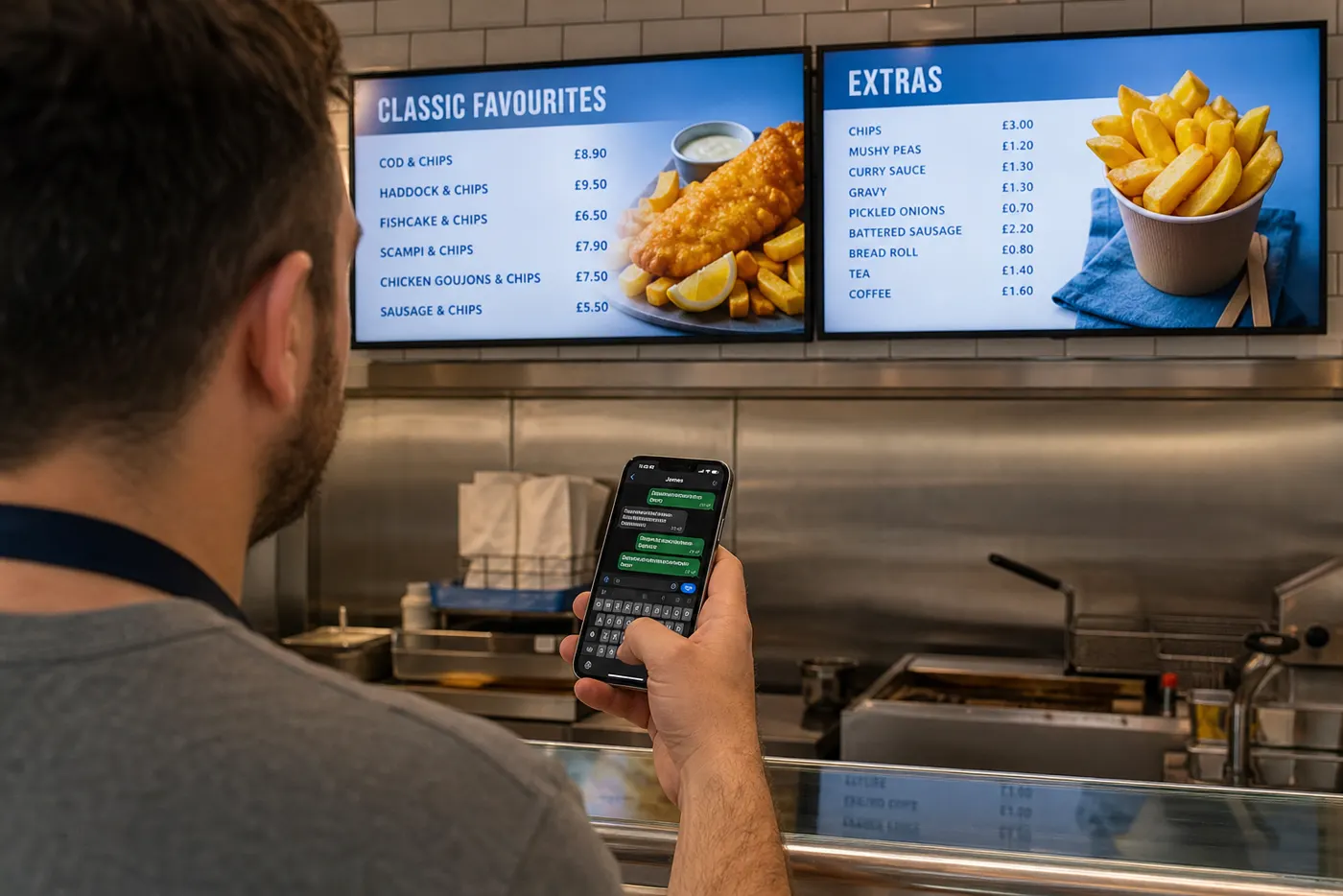
WhatsApp updates
Change a price, add a dish or mark something sold out by sending a message.
Learn more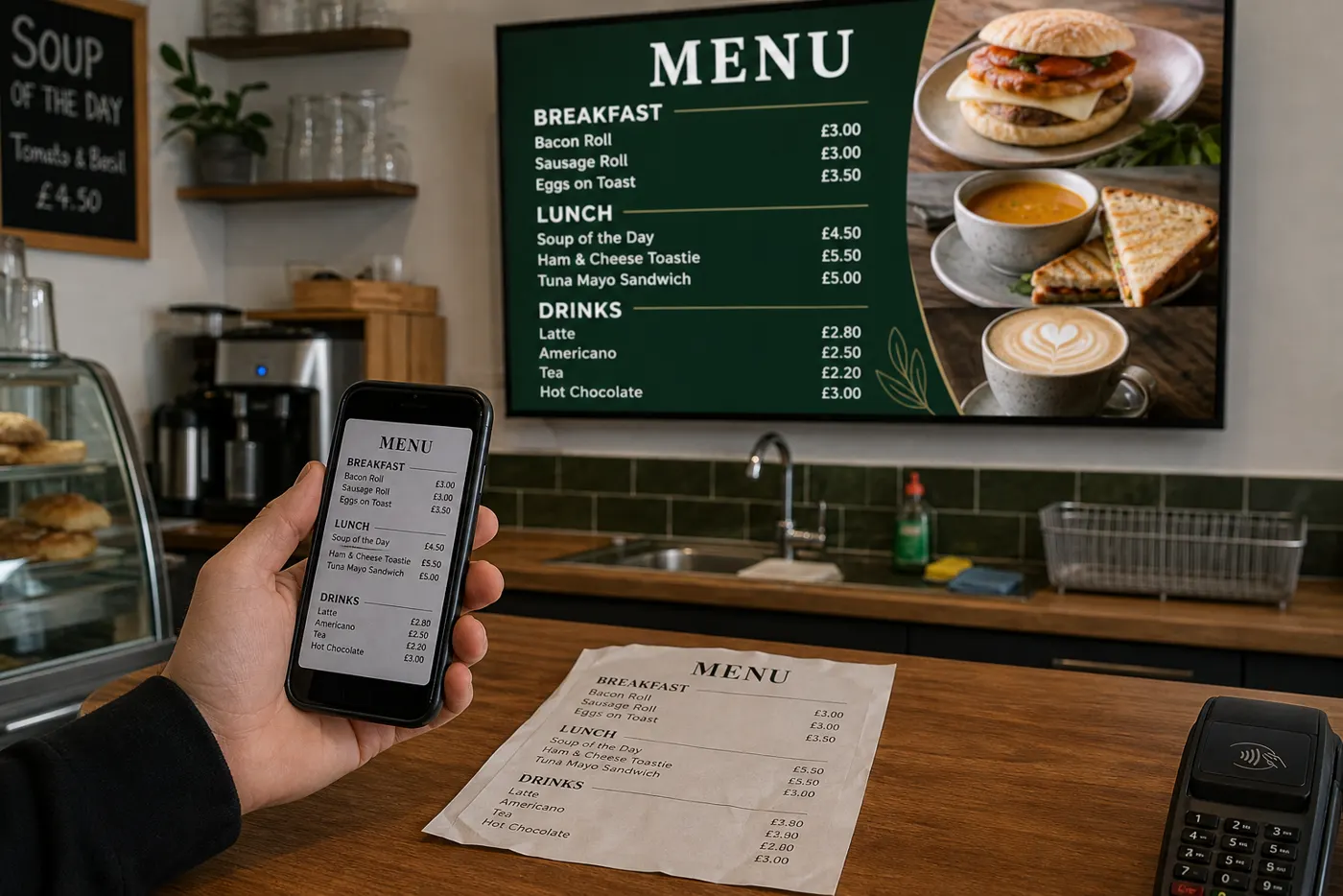
AI menu and poster design
Send a photo of your paper menu or describe an offer. Get a screen-ready design back.
Learn more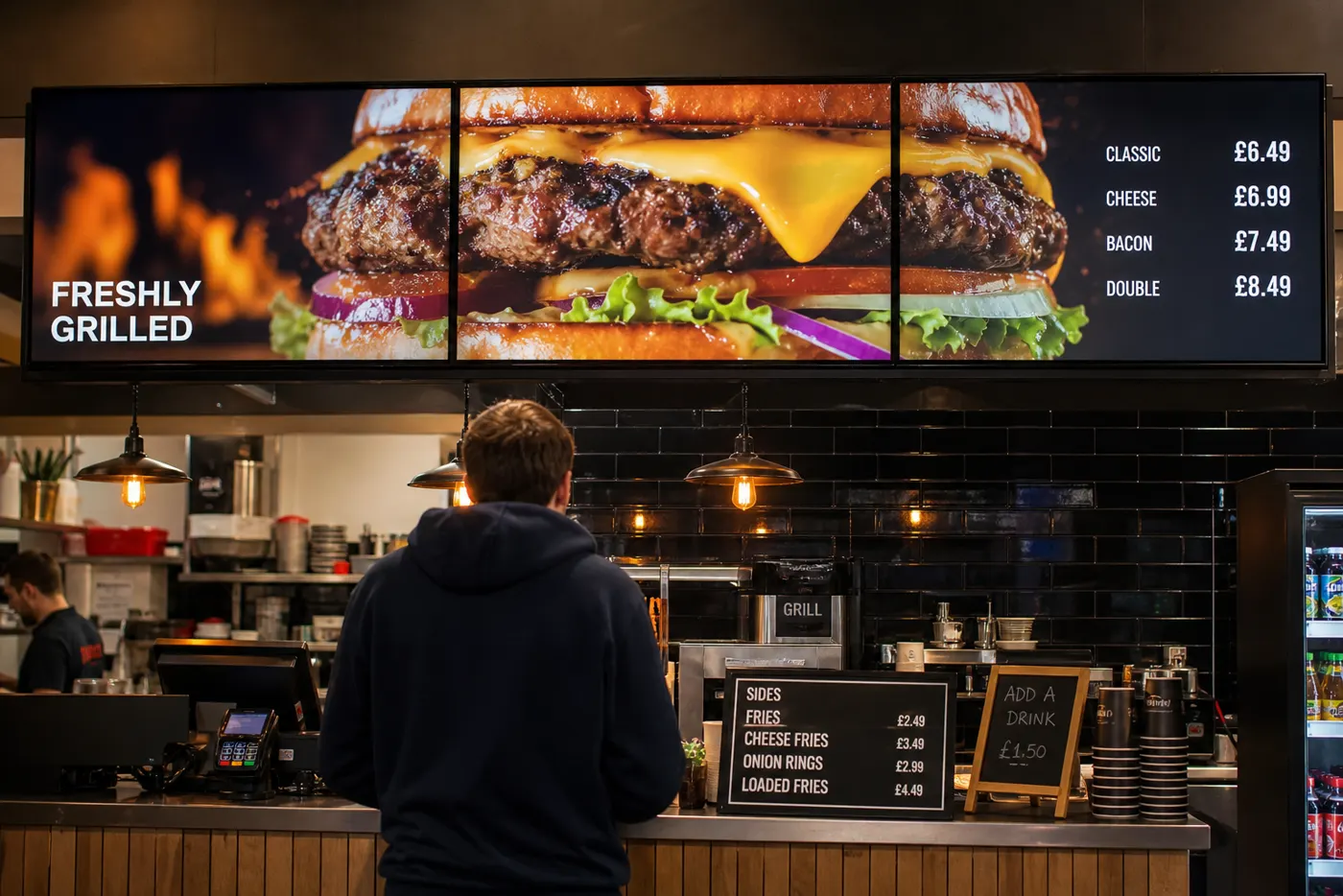
Video and video walls
Play videos and photo galleries, or join several TVs into one large picture.
Learn moreSee it on your own menu
Book a short demo. Send us a photo of your menu beforehand and we will show you how it looks on a screen.