
From a blank TV to a live menu board
There are four steps, and you only do the first one once.
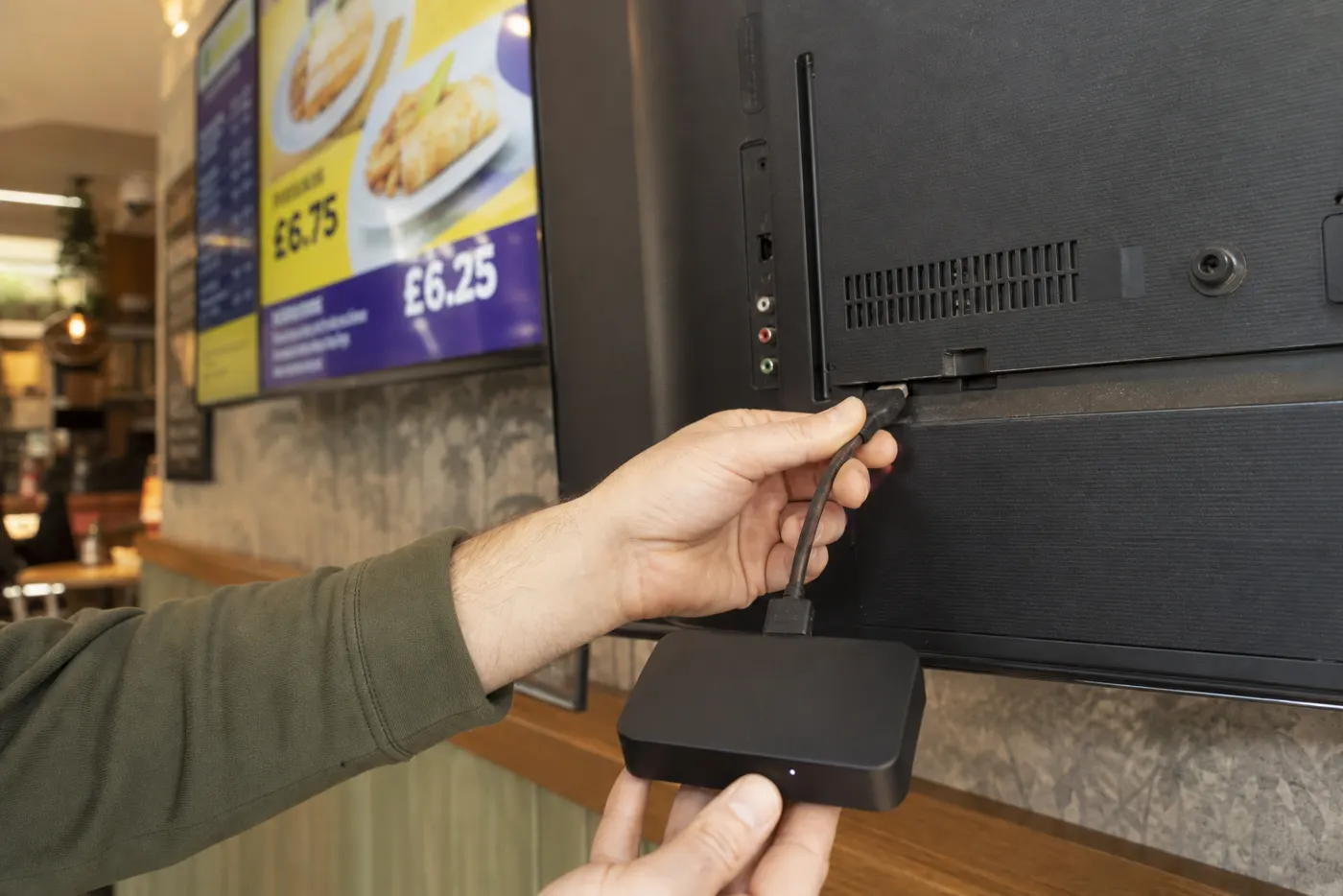
Plug in the player
The BeeScreen player is a small device that connects to the HDMI port of your TV. Join it to your Wi-Fi and it appears in your account. You can use the TVs you already have, in landscape or portrait.
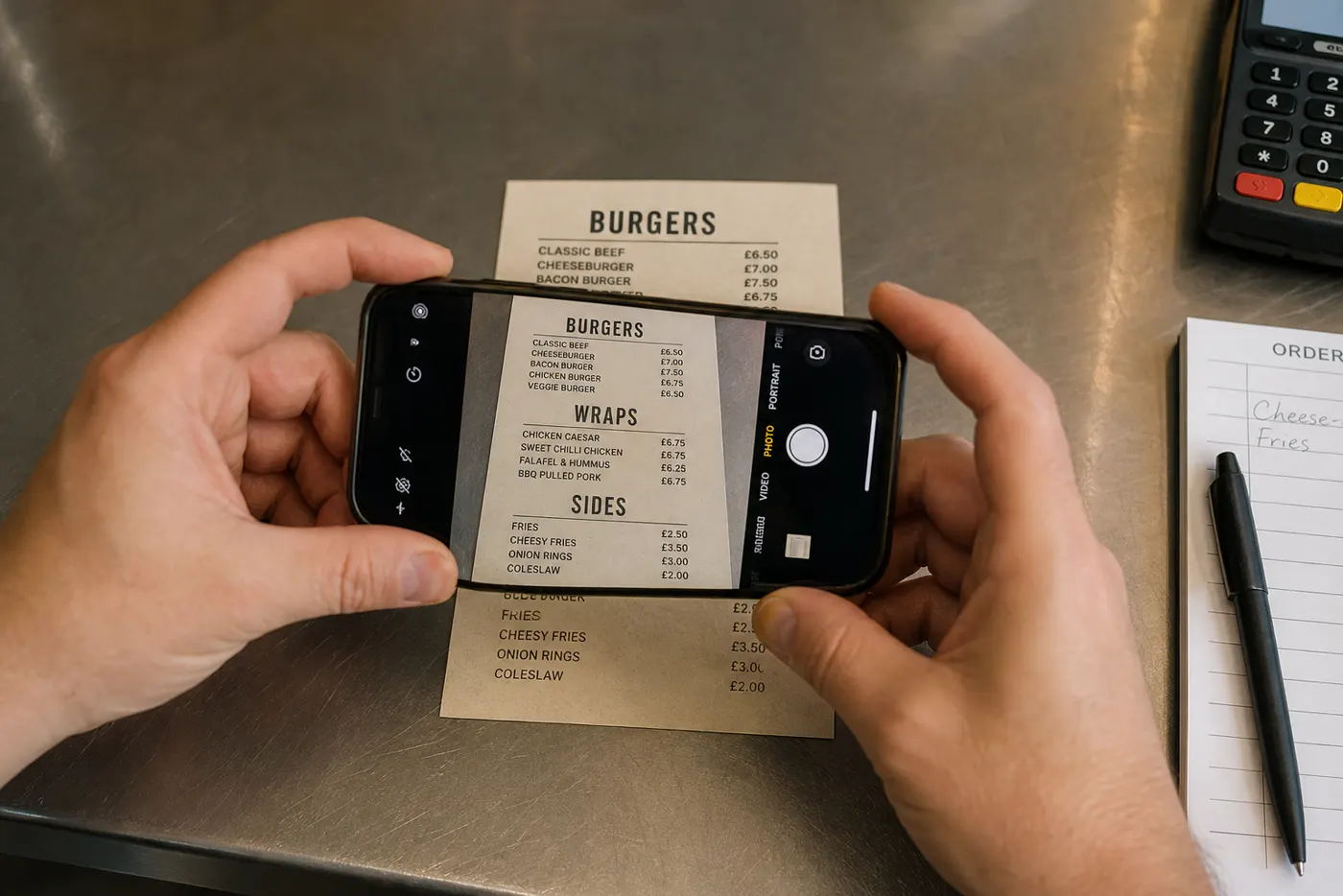
Send your menu
Take a photo of your printed menu, or type it out, and send it to BeeScreen on WhatsApp. The assistant reads your items and prices and designs a menu board for your screen.
Approve and publish
You get a preview. Ask for changes in plain words until it looks right, then approve it. Nothing goes on screen until you say so.
Message your changes
From then on, a message or a voice note is all it takes: a new price, a new dish, something sold out, a poster for this weekend's offer.
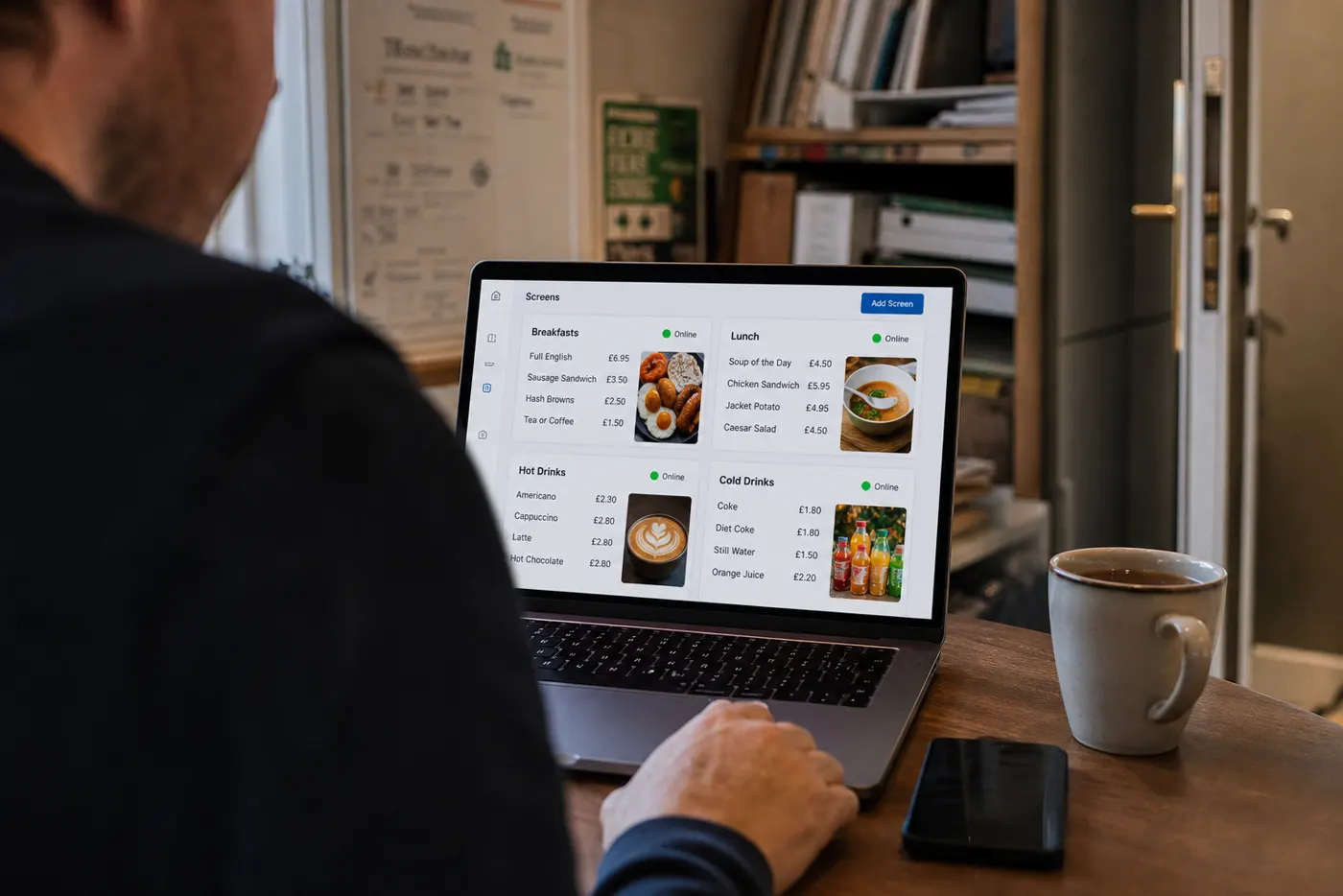
Prefer a screen and a mouse?
The web panel shows every screen you have. Shop staff get a simple view for adding photos and videos. Managers get the full editor, playlists and schedules.
Questions people ask
What is the BeeScreen player?
A small Android device that plugs into your TV's HDMI port. It connects to your Wi-Fi and shows whatever you publish.
Which TVs does it work with?
Any TV or commercial display with an HDMI port, in landscape or portrait.
What happens if I change my Wi-Fi?
Networks can be added from the panel while the player is still online, so a planned change does not need a visit.
Who sets it up?
We guide you through it, and most set-ups take a few minutes. If you work with a BeeScreen reseller, they can install it for you.
Can I manage the screens without WhatsApp?
Yes. Everything you can do by message can also be done in the web panel.
See it on your own menu
Book a short demo. Send us a photo of your menu beforehand and we will show you how it looks on a screen.