
Your screens, dressed for the season
Ask for a Christmas look in December and get your normal menu back in January, without redesigning anything.
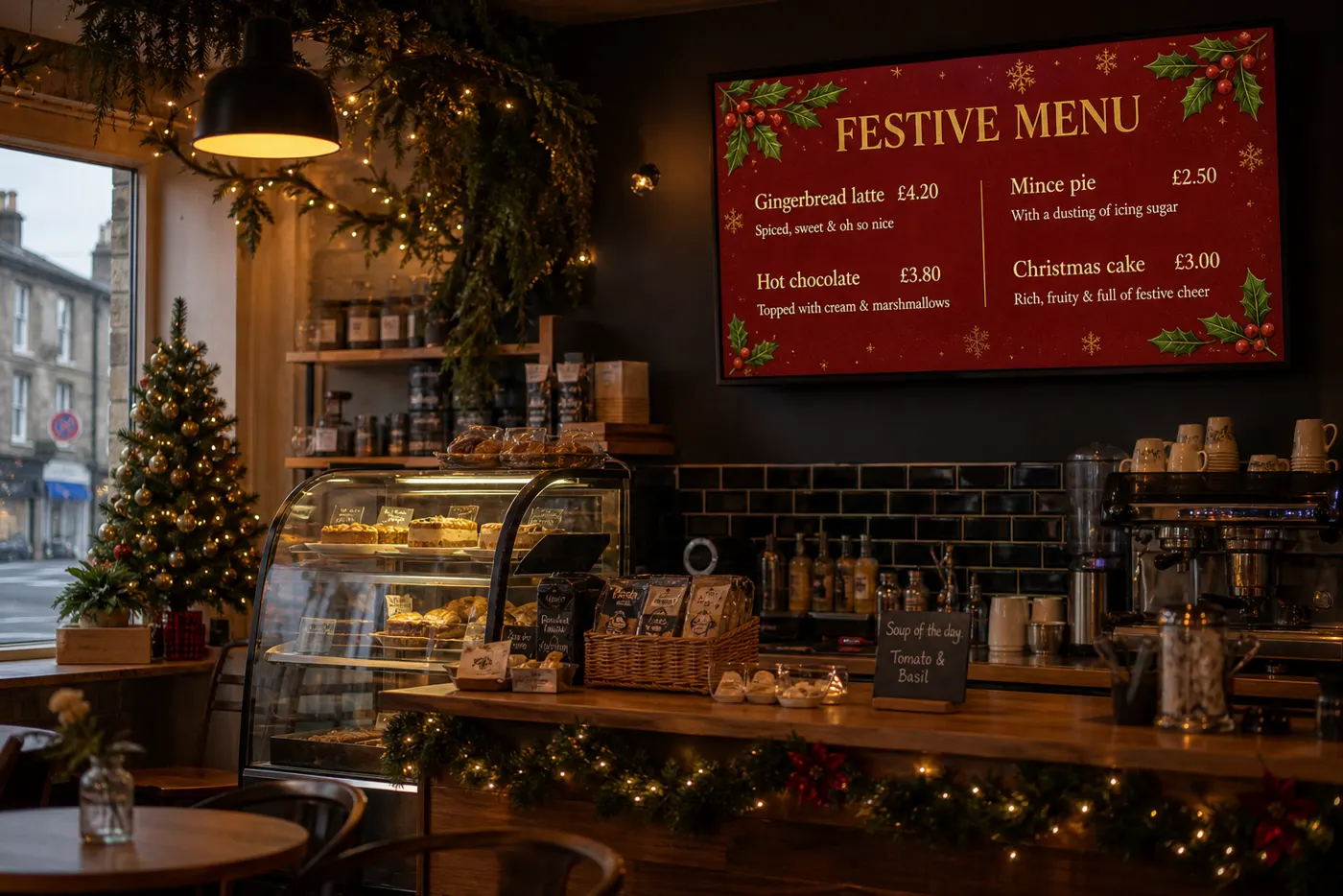
One request, every menu
Tell the assistant which occasion you want. The theme is applied across your menus: decoration, colours and mood change while your dishes and prices stay exactly as they were.
On and off by date
Choose when the theme ends and it comes off on its own. No more tinsel on the menu in February.
Occasions your customers celebrate
Christmas, New Year, Valentine's Day, Mother's Day, Easter, Ramadan and Eid, Halloween, or a local event that matters on your street.
Questions people ask
Will a theme change my prices or items?
No. A theme changes how the menu is decorated. The content stays the same.
Can I go back to my normal look early?
Yes. Ask the assistant to remove the theme at any time.
More that BeeScreen does
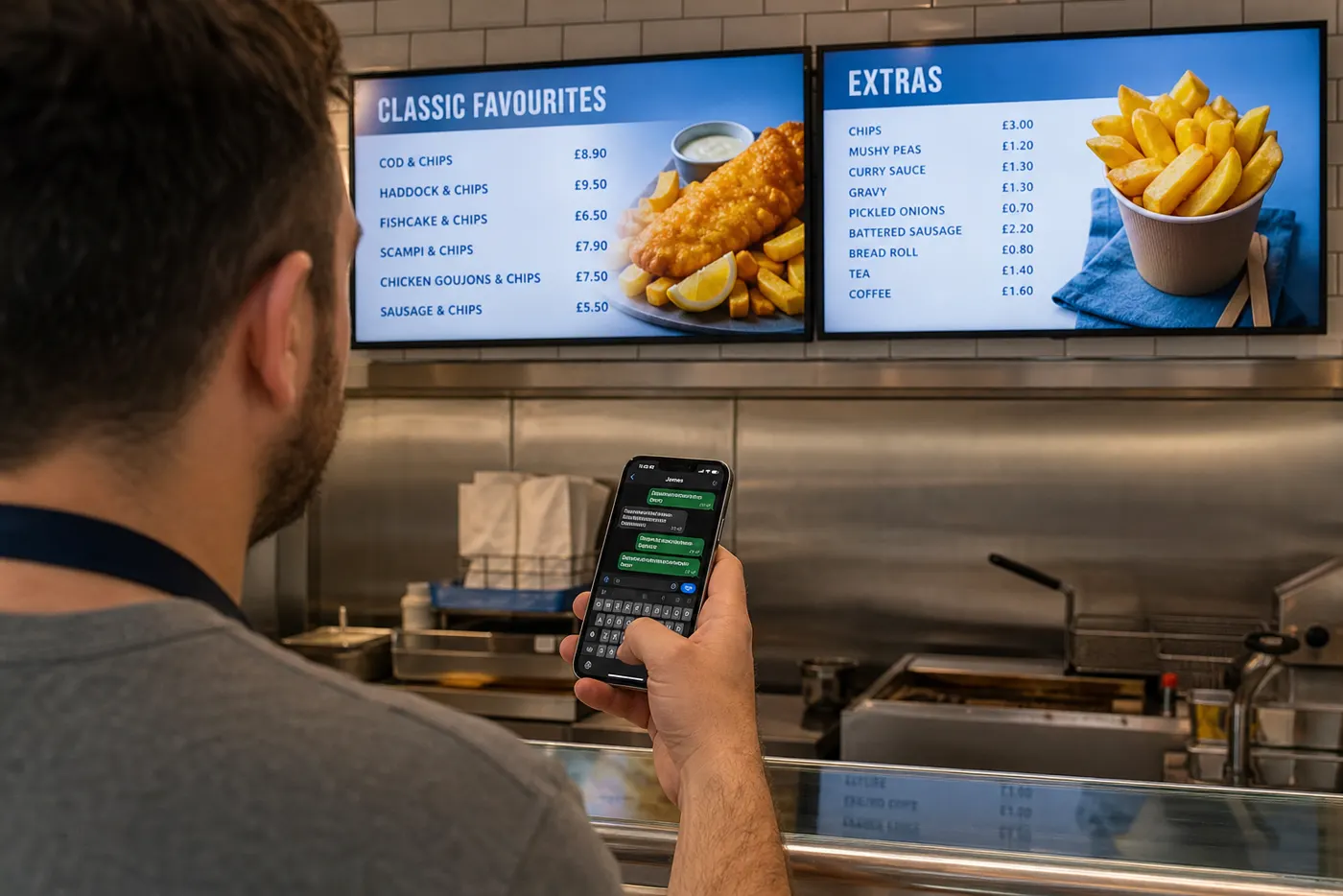
WhatsApp updates
Change a price, add a dish or mark something sold out by sending a message.
Learn more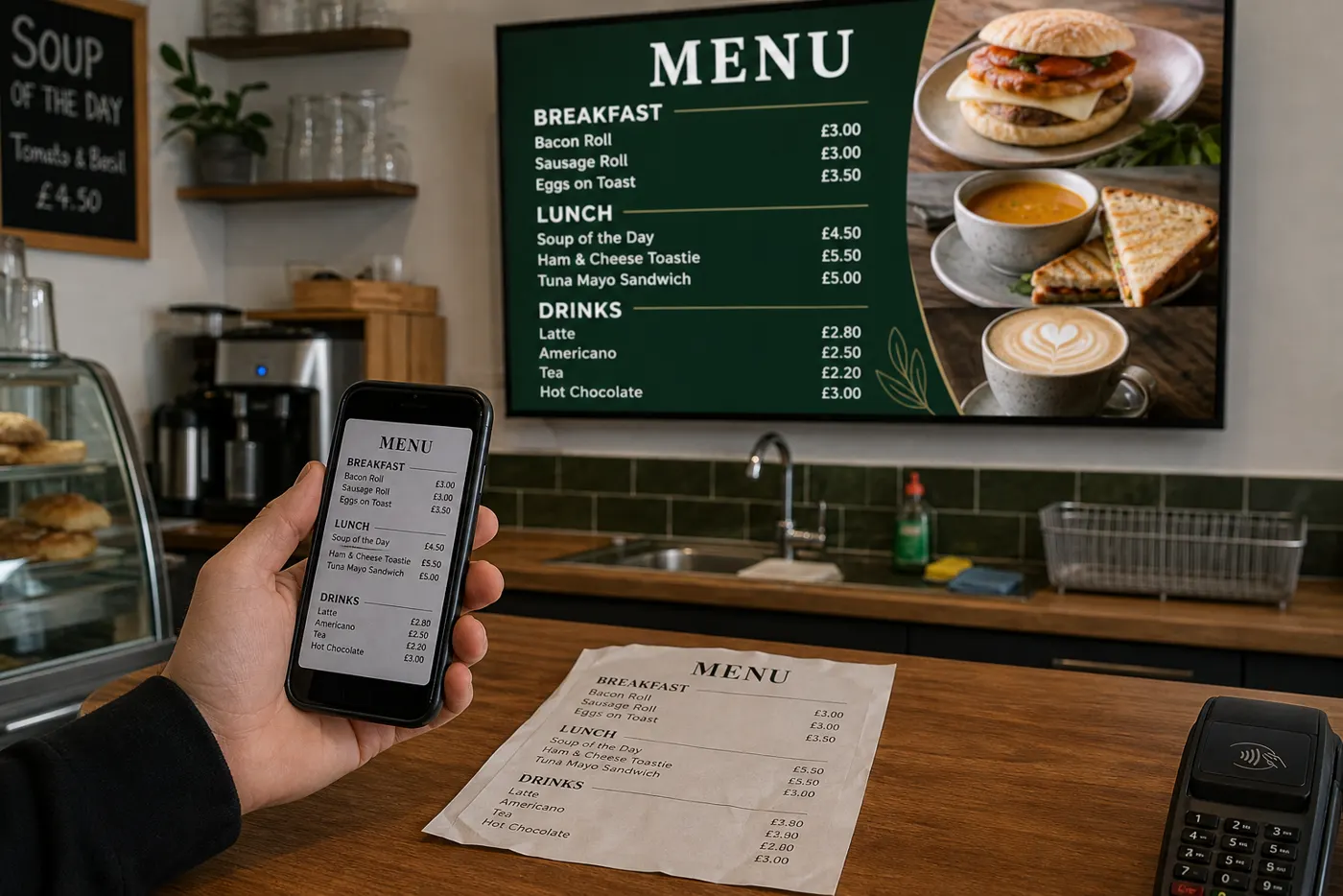
AI menu and poster design
Send a photo of your paper menu or describe an offer. Get a screen-ready design back.
Learn more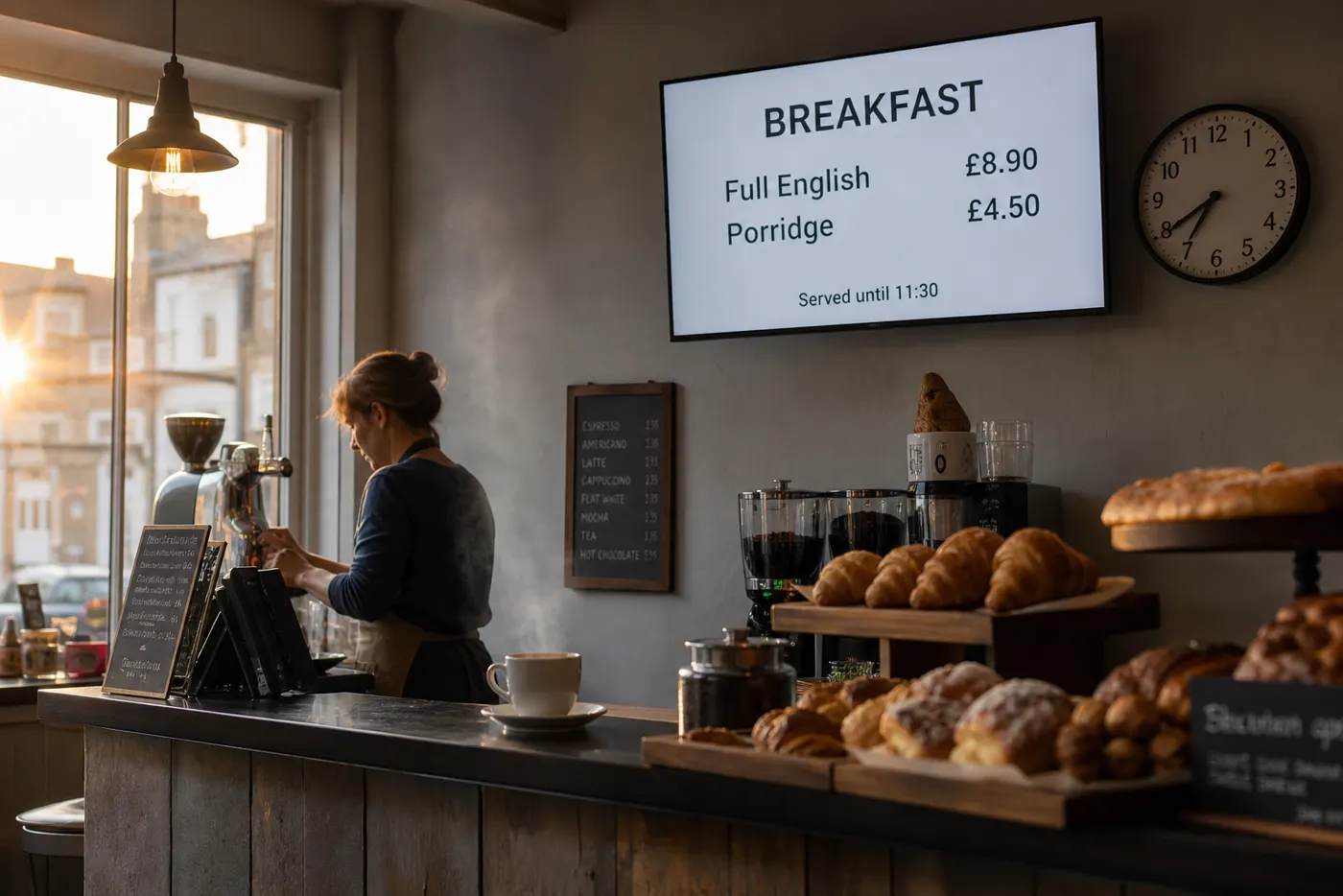
Scheduled menus
Breakfast, lunch and evening menus that change over on their own.
Learn moreSee it on your own menu
Book a short demo. Send us a photo of your menu beforehand and we will show you how it looks on a screen.