
Every screen in every branch, under control
Know what each screen is showing right now, and put it right without driving to the shop.
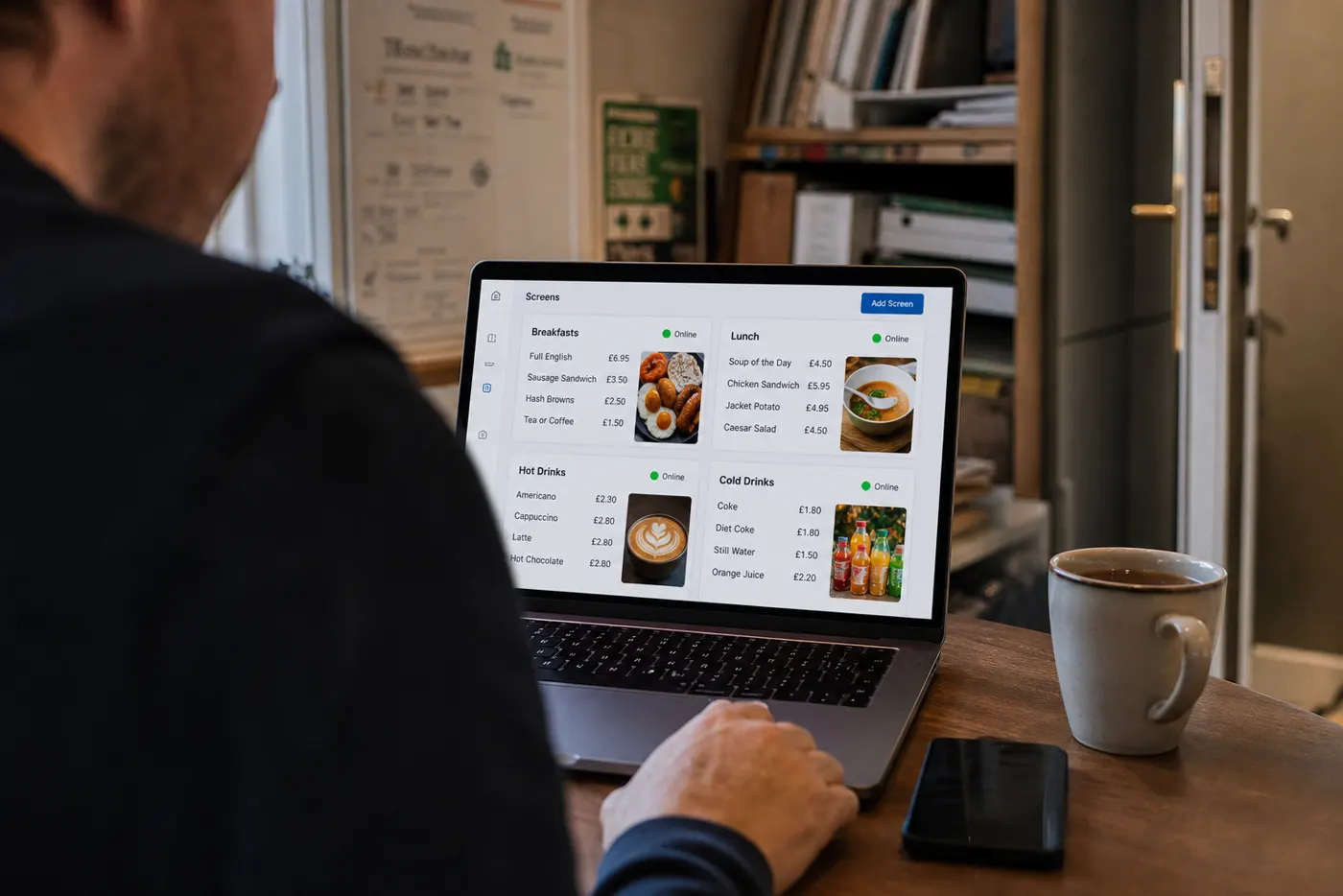
One panel for all your screens
Whether you have one TV behind the counter or dozens across several sites, they are listed together. Group them by branch and send content to one screen, one shop or all of them.
See it and fix it remotely
Ask a screen for a screenshot to confirm what customers are looking at. Check its health, read its logs, clear its storage or restart it, all from the panel.
A simple panel for the people in the shop
Shop staff get a phone-friendly view with only what they need: add a photo or video, crop it, set how long it shows, and publish. Changes collect as a draft until they press Publish.
A full editor for the people who want one
Head office or your designer can open the full editor to build layouts with zones, layers, playlists and schedules.
- Counter leftHigh StreetOnline
- Counter rightHigh StreetOnline
- WindowStation RoadOnline
- Waiting areaStation RoadOffline
Questions people ask
Can I give staff limited access?
Yes. Shop staff use the simple panel, while owners and managers use the full one.
How do I know if a screen has gone offline?
The panel shows the state of each screen, so you can see which ones are online.
Can a screen's Wi-Fi be changed remotely?
Yes, as long as the player is still online. Saved networks can be managed from the panel.
More that BeeScreen does
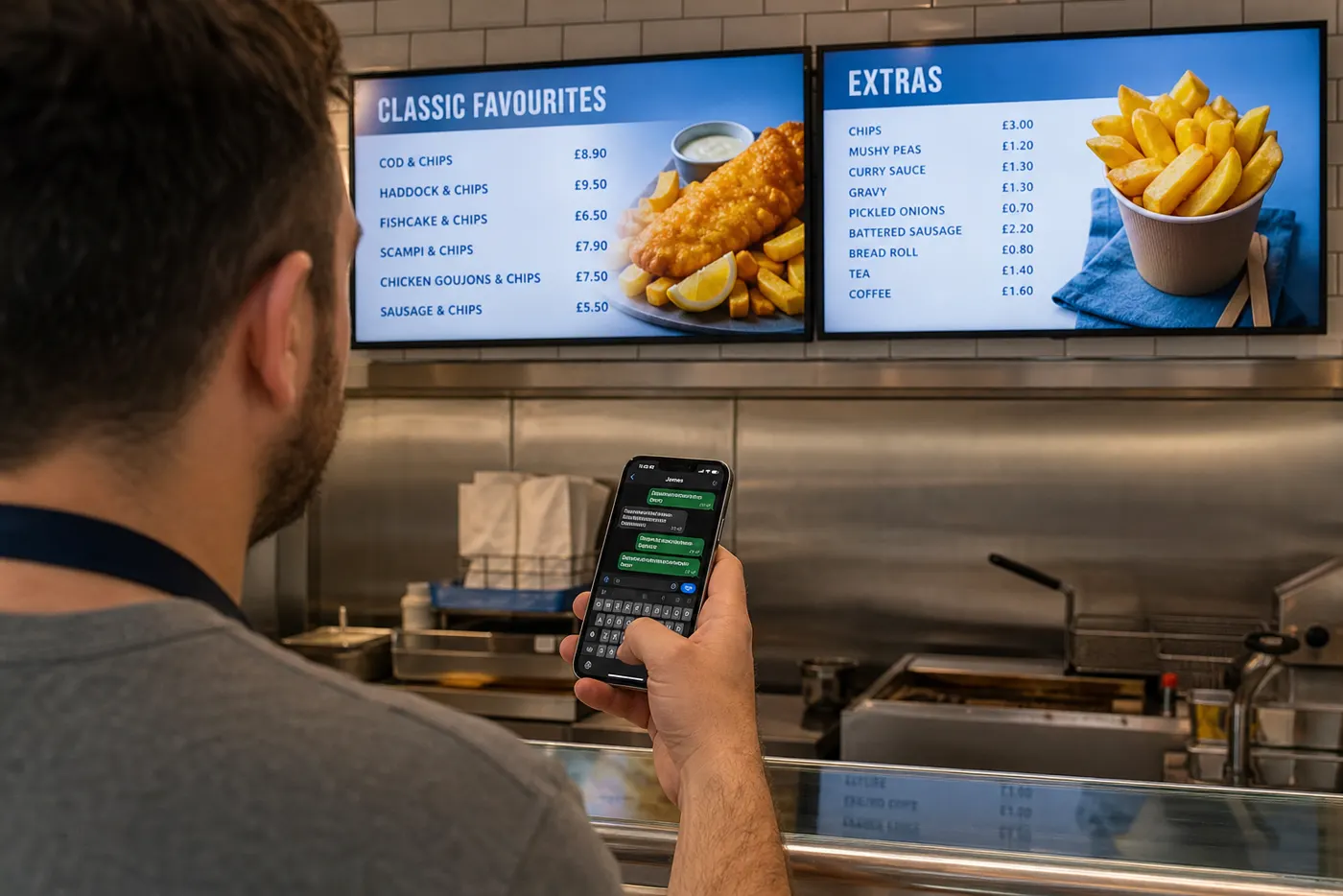
WhatsApp updates
Change a price, add a dish or mark something sold out by sending a message.
Learn more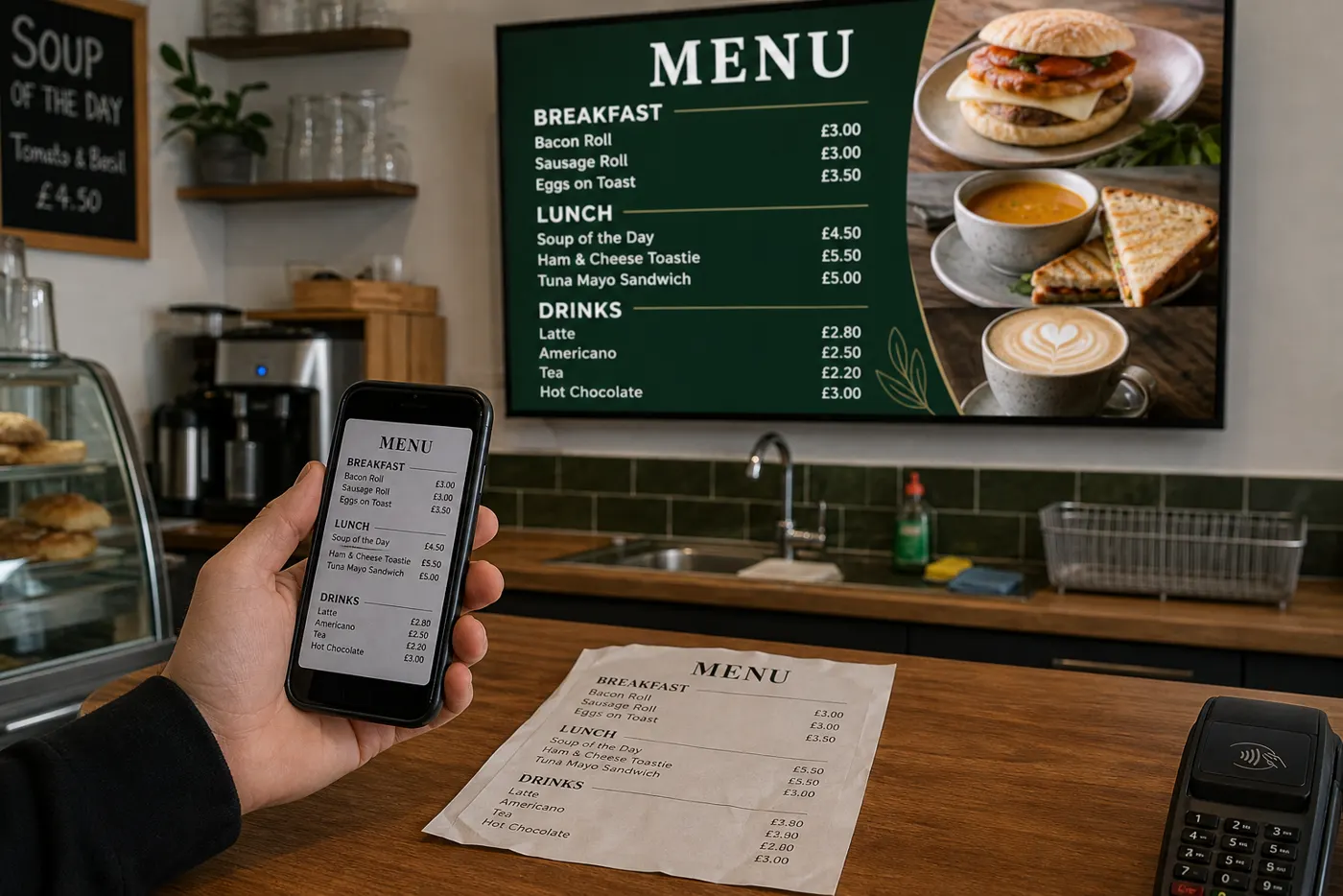
AI menu and poster design
Send a photo of your paper menu or describe an offer. Get a screen-ready design back.
Learn more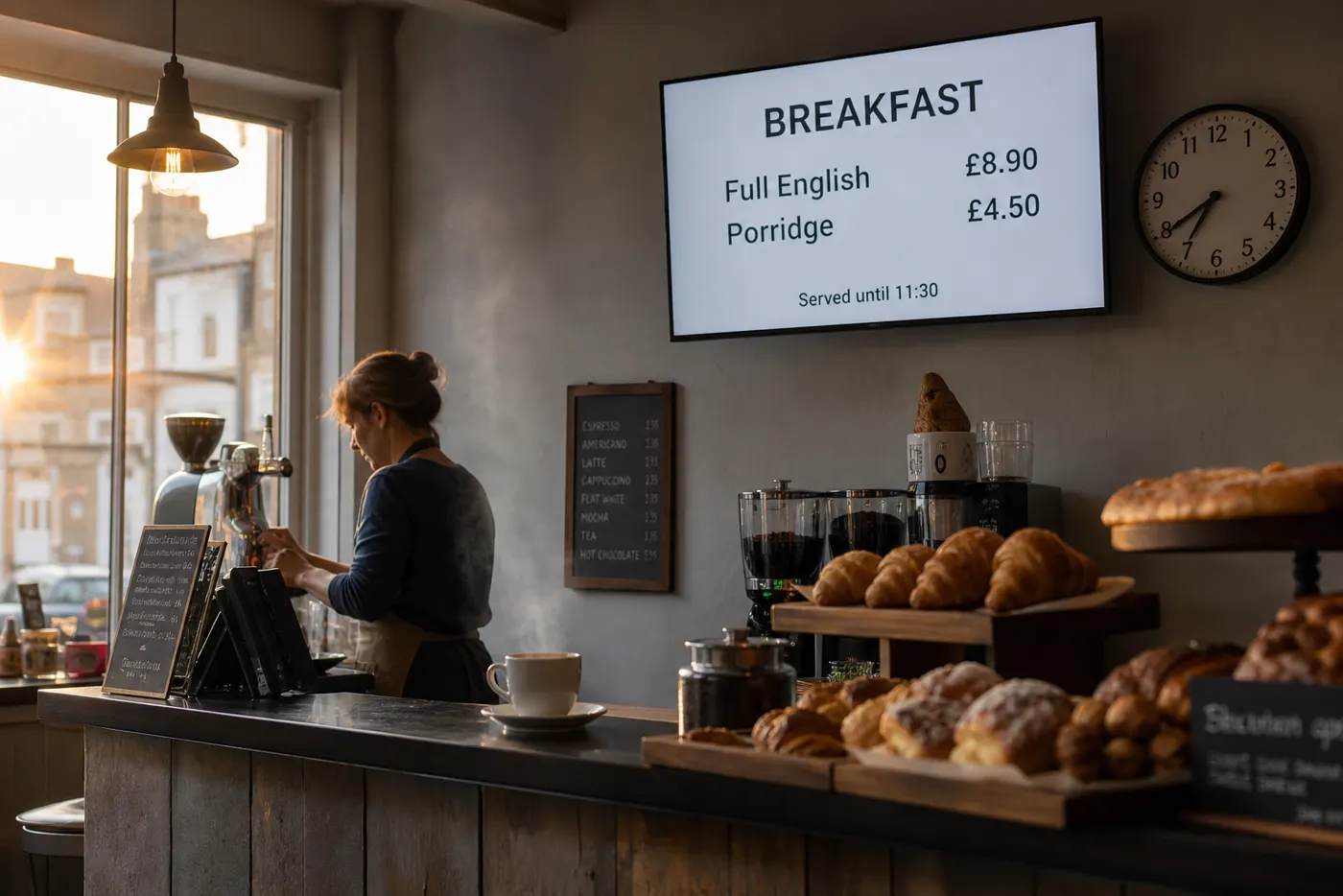
Scheduled menus
Breakfast, lunch and evening menus that change over on their own.
Learn moreSee it on your own menu
Book a short demo. Send us a photo of your menu beforehand and we will show you how it looks on a screen.