
Update your menu screens with a WhatsApp message
Type it, say it or send a photo. BeeScreen's assistant makes the change, shows you the result and puts it on your screens when you approve.
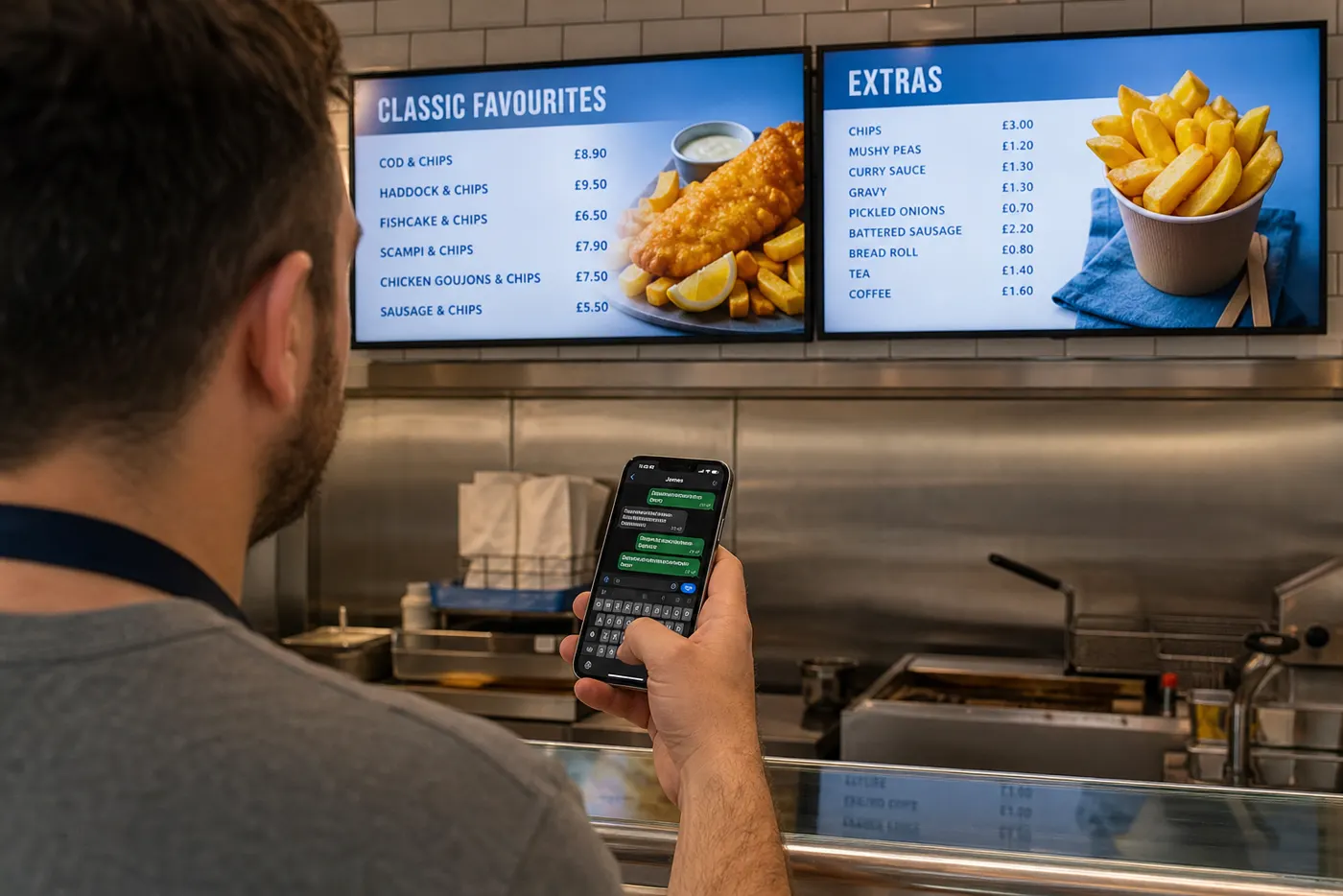
If you can send a message, you can run your screens
Most digital signage asks you to log in to a dashboard, find the right template and edit it on a laptop. In a busy kitchen that never happens, so the screens go out of date. BeeScreen works the way you already work: you message the BeeScreen number on WhatsApp and the assistant does the editing.
- "Cod and chips is now £9.50" changes the price on every screen that shows it.
- "Add a halloumi wrap for £6.50 under Wraps" adds the dish in the right place.
- "Lamb shish is sold out today" marks it sold out, for today only.
- A voice note works just as well when your hands are full.
You approve before anything goes live
The assistant sends back a picture of the updated menu. Reply to approve it, or ask for another change: bigger prices, two columns, a different order. Nothing reaches your customers until you have seen it.
Prices that are always exact
The assistant designs how your menu looks, but names and prices are placed by our software from the list you gave. What you typed is what appears on the screen, to the penny.
Message in the language you work in
Write or speak in the language you are comfortable in. The assistant replies in the language of your message, and it is used every day in English and Turkish. It understands everyday wording, so there are no commands to memorise.
Questions people ask
Do I need to install an app?
No. You use the WhatsApp you already have. There is also a web panel for when you want to see everything on a bigger screen.
How quickly does a change appear on the screen?
Once you approve it, the update is pushed to your screens straight away. They need to be switched on and connected to the internet.
Can several members of staff send updates?
Yes. You decide which phone numbers are allowed to manage your screens.
What if the assistant misunderstands me?
You always see a preview first. Reply with what you want changed and it will try again; nothing is published without your approval.
More that BeeScreen does
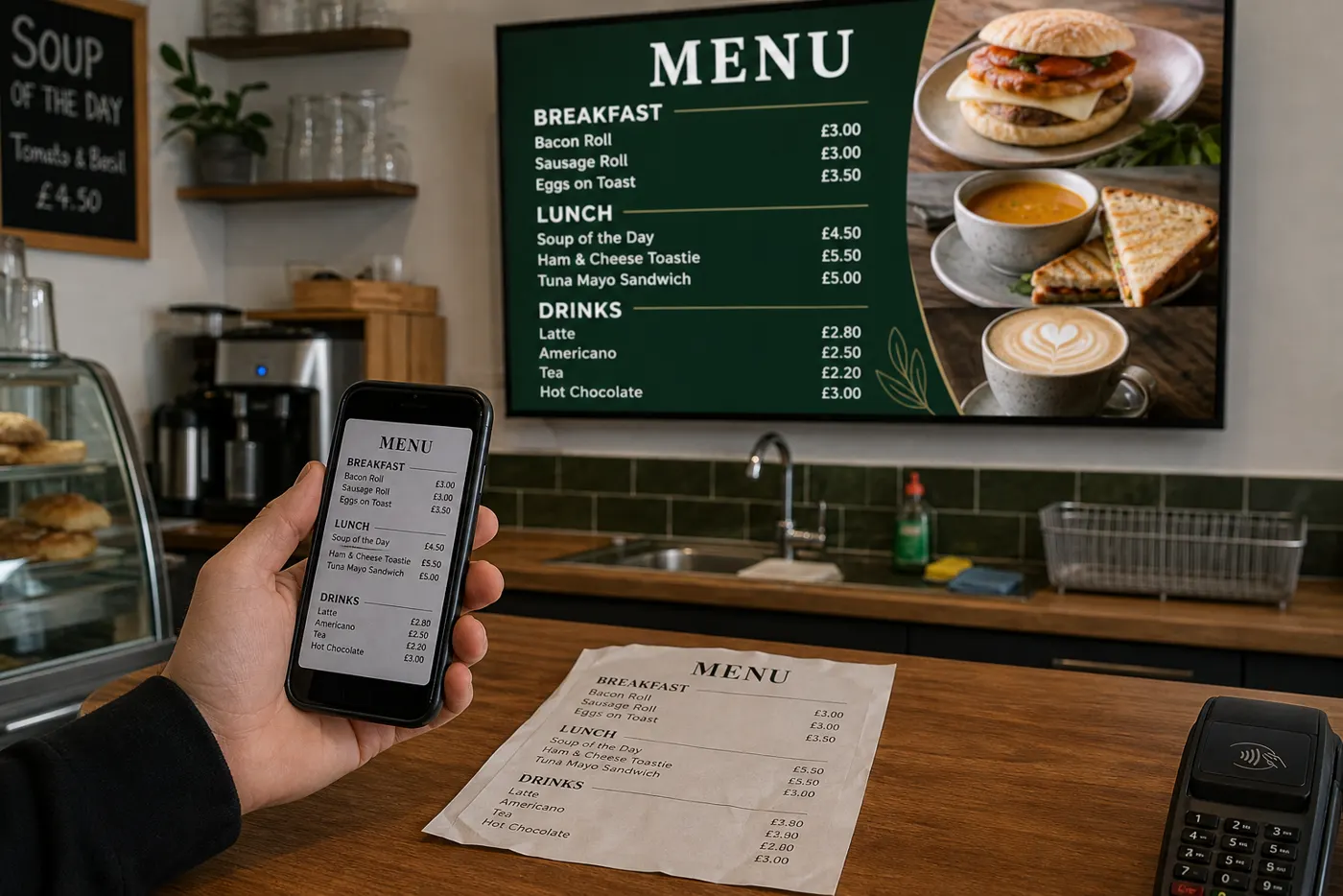
AI menu and poster design
Send a photo of your paper menu or describe an offer. Get a screen-ready design back.
Learn more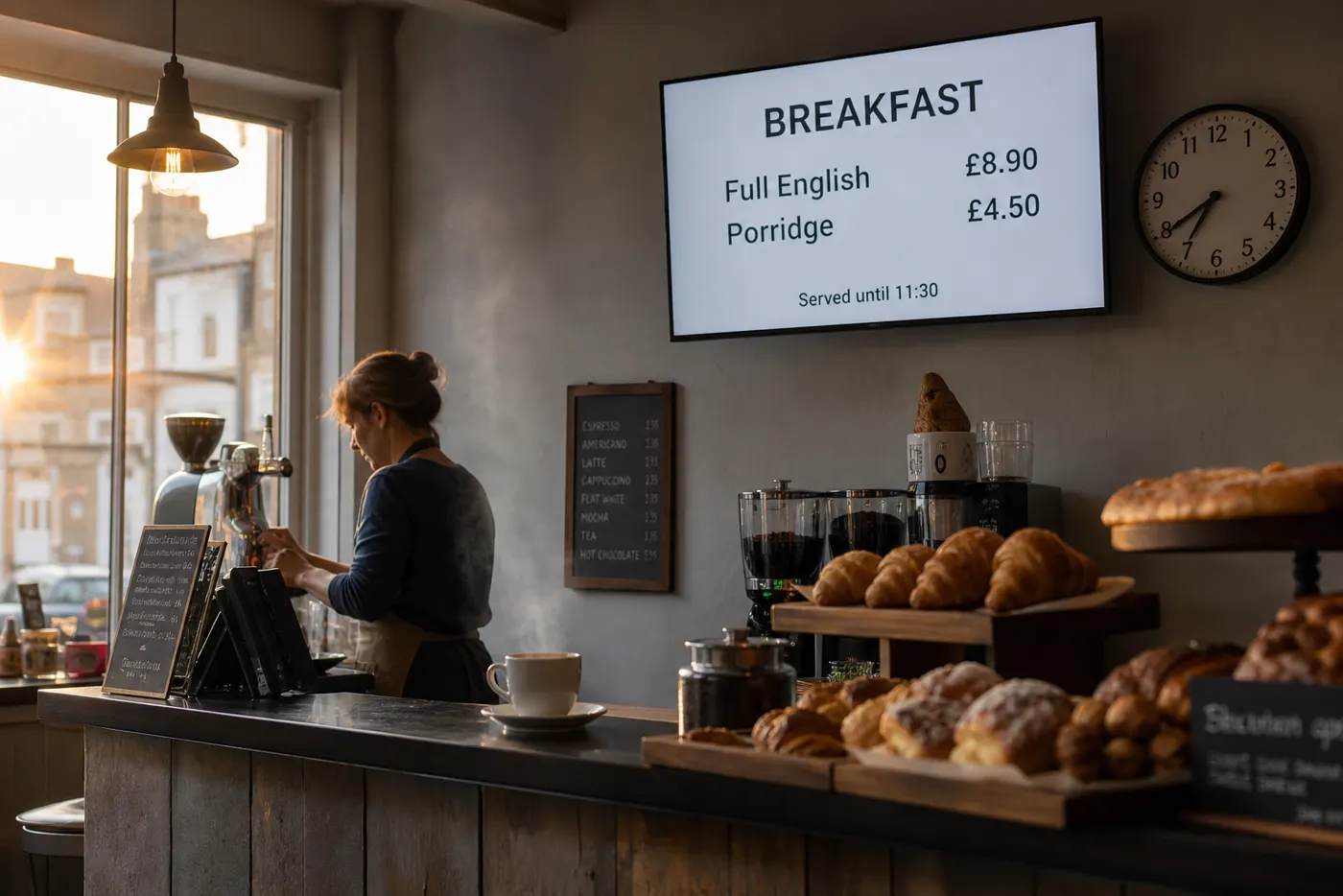
Scheduled menus
Breakfast, lunch and evening menus that change over on their own.
Learn more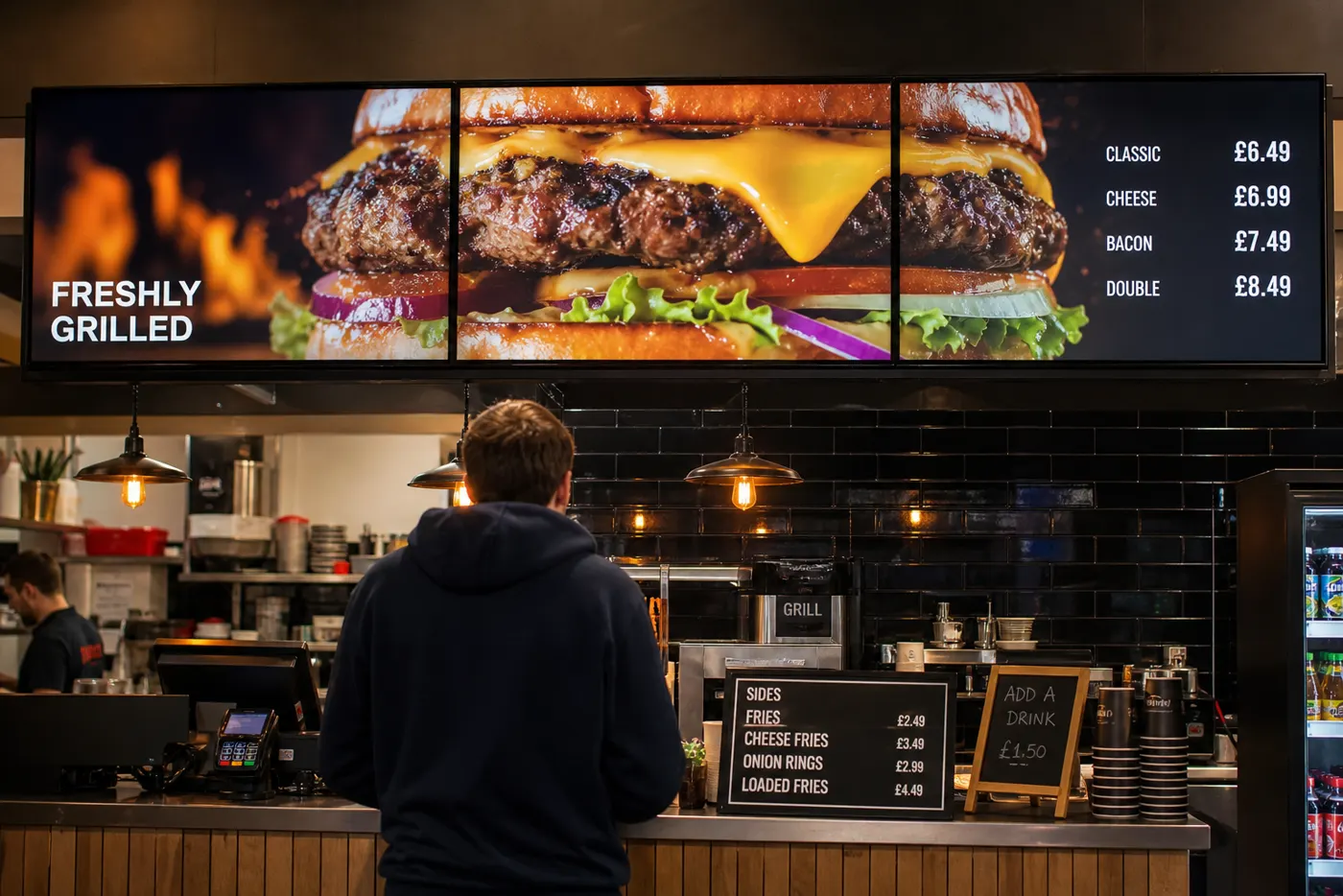
Video and video walls
Play videos and photo galleries, or join several TVs into one large picture.
Learn moreSee it on your own menu
Book a short demo. Send us a photo of your menu beforehand and we will show you how it looks on a screen.